

Looking for the best car audio installation in Montclair, CA? Discover expert tips, top brands, and why Audio Vision is the go-to destination for high-quality car sound systems.
Product Brand: Audio Vision
Product Currency: USD
Product Price: 299
Product In-Stock: InStock
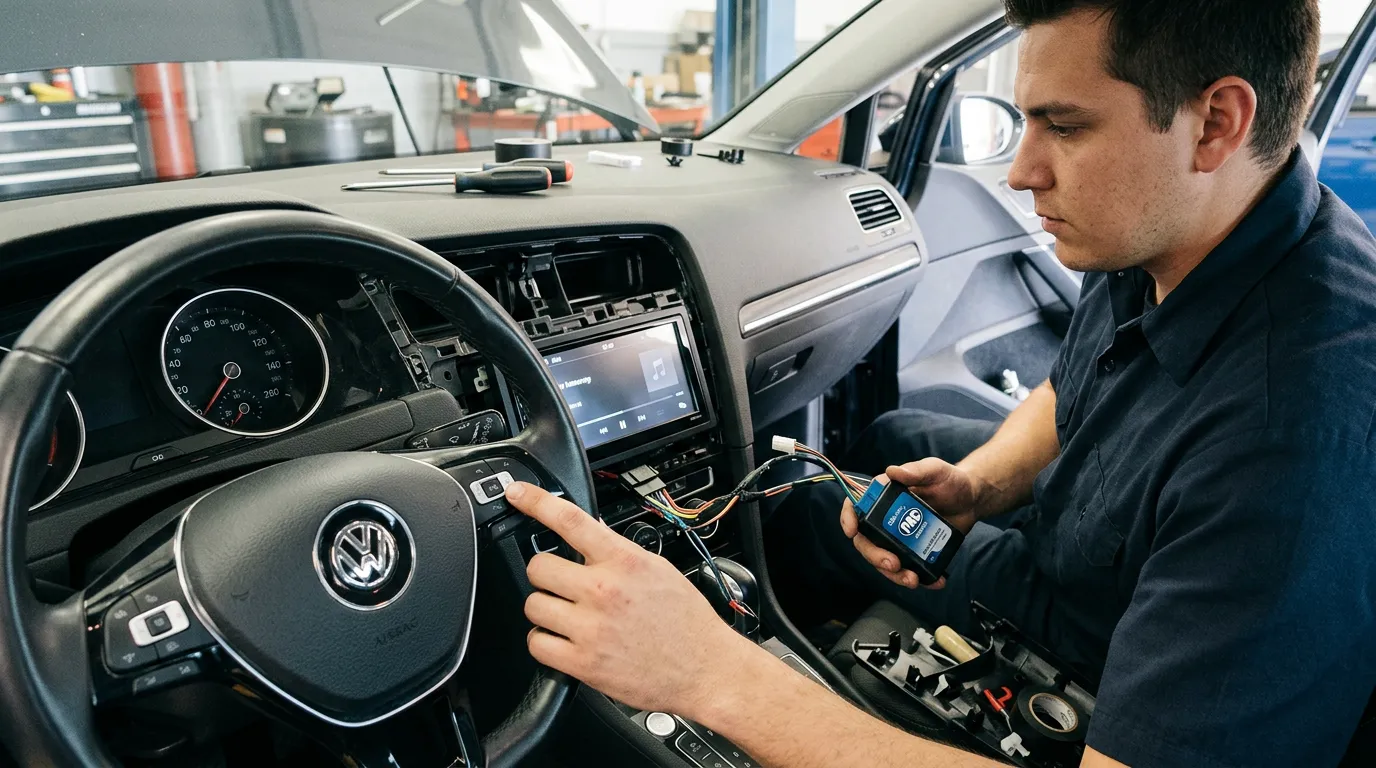
PAC Audio interfaces can help keep factory steering wheel controls working after you replace an original radio with an aftermarket stereo. Without the right adapter, buttons for volume, track selection, source changes, phone functions, and voice commands may stop communicating with the new radio.
That can turn an otherwise great stereo upgrade into an annoying one.
The good news is that replacing the factory radio does not always mean giving up the controls already built into your steering wheel. PAC makes standalone steering-wheel-control adapters along with vehicle-specific radio replacement modules that translate factory button commands into signals compatible aftermarket radios can understand.
For drivers in Montclair, CA, Ontario, CA, and Pomona, CA, selecting the correct PAC module comes down to the vehicle, factory audio system, radio being installed, and factory functions you want to keep.
Audio Vision installs aftermarket stereos and works with PAC Audio products for vehicles that need steering wheel control retention and related factory-feature support.
Factory steering wheel buttons do not communicate with every aftermarket stereo in the same way.
The original radio was designed to understand signals coming from the vehicle’s steering wheel controls. When that factory radio is removed, the new stereo may not understand those signals directly.
PAC explains that an adapter is needed in many vehicles to convert factory steering wheel button information into a signal the aftermarket radio can read.
That conversion is what lets a driver continue pressing the original steering wheel buttons while the aftermarket receiver responds.
Without a compatible adapter, you may install a new stereo and discover that:
Crutchfield also notes that steering wheel control adapters act as a bridge between factory controls and compatible aftermarket receivers.
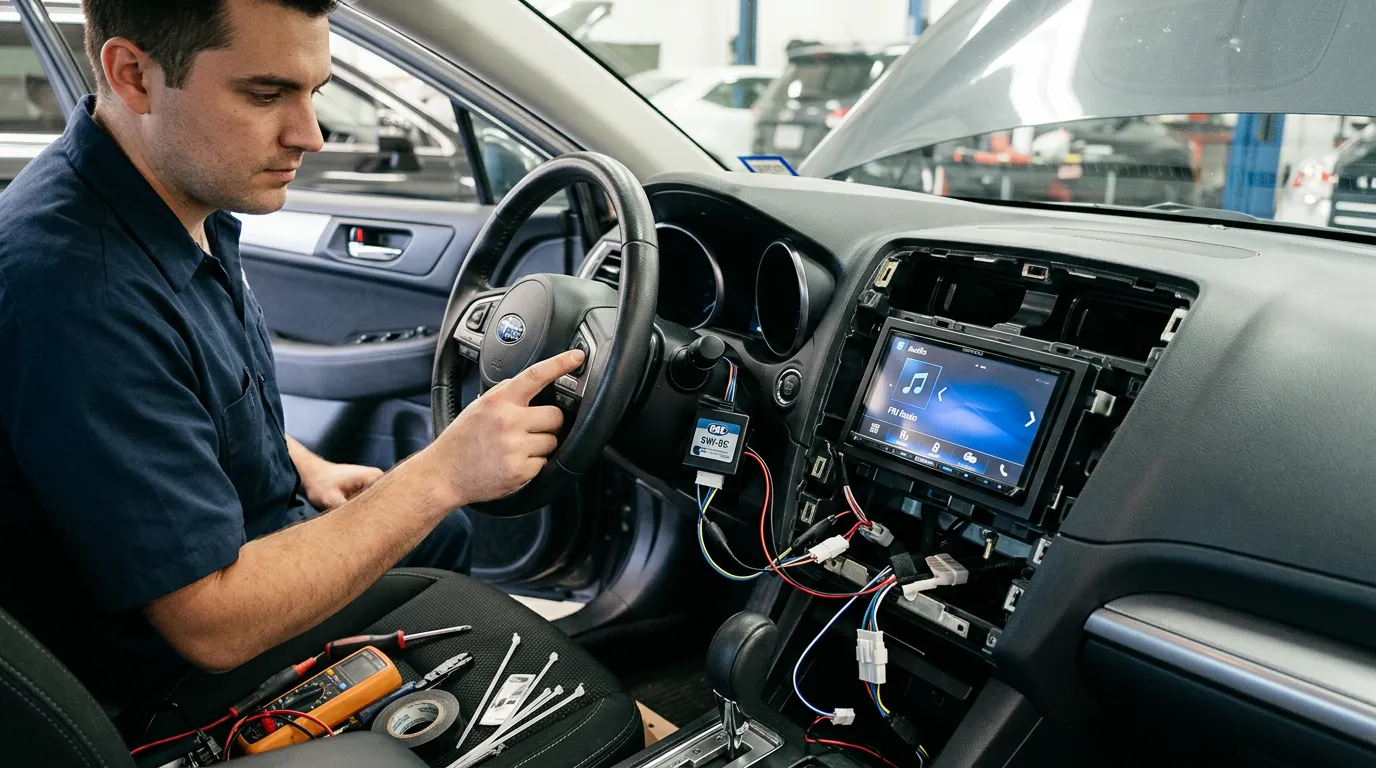
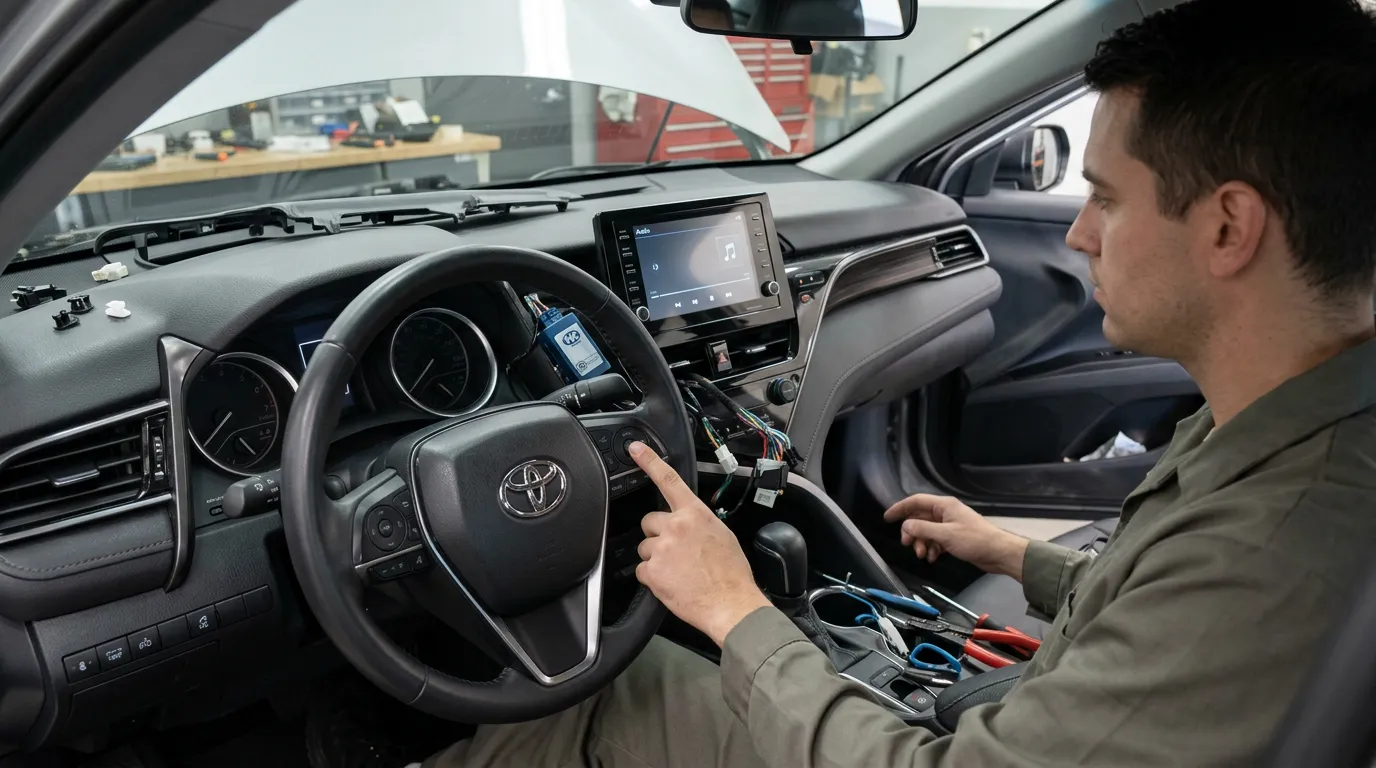
This is why steering wheel control retention should be planned before the original radio comes out.
A PAC interface sits between parts of the factory wiring and the aftermarket stereo.
Its job depends on the PAC product being installed.
A standalone steering wheel control adapter mainly handles button commands.
A larger vehicle-specific radio replacement module may handle several factory functions at the same time.
Depending on the vehicle and PAC model, those functions can include:
Not every PAC module supports every function.
The exact vehicle, trim, factory radio, factory amplifier, model year, and replacement stereo all matter.
That is why Audio Vision’s PAC Audio page can be a useful starting point when planning a radio replacement.
The PAC SWI-CP2 is a standalone steering wheel control adapter.
PAC describes it as a universal adapter designed to convert factory steering wheel button information into a signal a compatible aftermarket stereo can use.
According to PAC, the SWI-CP2 supports both analog and digital steering wheel control signals in compatible vehicles.
Programming can be handled through DIP-switch settings or with PAC’s ControlPRO software.
Once configured correctly, the module receives the factory steering wheel button command and passes the appropriate command to the aftermarket stereo.
Think about pressing volume up.
The factory button sends its normal vehicle-side signal.
The PAC module reads that signal.
The module then sends a command the aftermarket receiver understands.
The driver still presses the same factory button, but a translation is taking place behind the dashboard.
No.
PAC publishes vehicle and radio compatibility information that should be checked before installation.
Compatibility also depends on the new stereo.
Crutchfield notes that aftermarket receivers generally need a wired steering wheel control connection or another supported input method for the adapter being used.
The radio and vehicle need to be checked as a pair.
The exact controls vary by vehicle, but common steering wheel audio functions can include:
Some vehicles have more complicated button layouts.
The factory controls may also serve different functions depending on what screen, audio source, or phone feature is active.
The replacement stereo matters too.
An adapter cannot make an aftermarket receiver perform a function the receiver itself does not support.
For example, a voice button may be able to trigger voice-control functions on one compatible receiver while behaving differently on another.
PAC says the SWI-CP2 also allows secondary press-and-hold commands to be assigned to factory buttons in supported setups.
That can give some controls more than one use.
Not every stereo replacement should use a standalone SWI-CP2.
Sometimes a vehicle-specific PAC RadioPRO module makes more sense.
The difference comes down to how many factory systems depend on the original radio.
The SWI-CP2 is centered on steering wheel control retention.
It may work well when:
RadioPRO products are made for particular groups of vehicles and can handle more than steering wheel controls.
PAC RadioPRO4 modules can retain steering wheel controls and factory amplifiers on supported vehicles.
RadioPRO5 products can go further on certain applications by retaining functions such as OnStar, Bluetooth, warning chimes, rear-seat audio, cameras, and other factory systems.
For someone upgrading a more complicated factory radio, one vehicle-specific module can make more sense than several unrelated adapters.
A factory amplifier can make a stereo replacement more complicated.
Vehicles from GM, Chrysler, Ford, Audi, Honda, and many other manufacturers may have separate amplifiers installed elsewhere in the car.
Premium systems such as Bose, Alpine, Infinity, and similar factory audio packages are common examples.
Simply connecting an aftermarket stereo to the speaker wires may not be enough.
PAC offers radio replacement modules that can retain factory amplification in supported vehicles.
One example is the PAC RP5-GM31 for selected General Motors vehicles.
PAC lists support for factory amplified and non-amplified systems with that module, including compatible Bose and premium Bose systems.
PAC’s RP4-CH11 for selected Chrysler, Dodge, Jeep, and RAM vehicles can retain the factory amplifier while also keeping steering wheel controls.
What this means for the driver is simple.
You may be able to install a new stereo without throwing away the rest of the factory audio system.
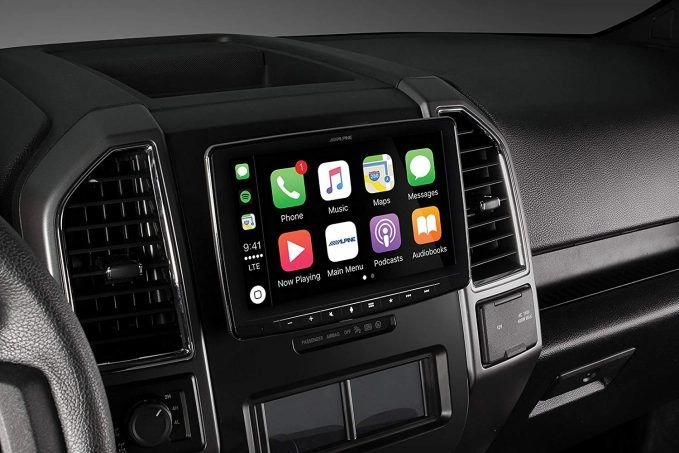
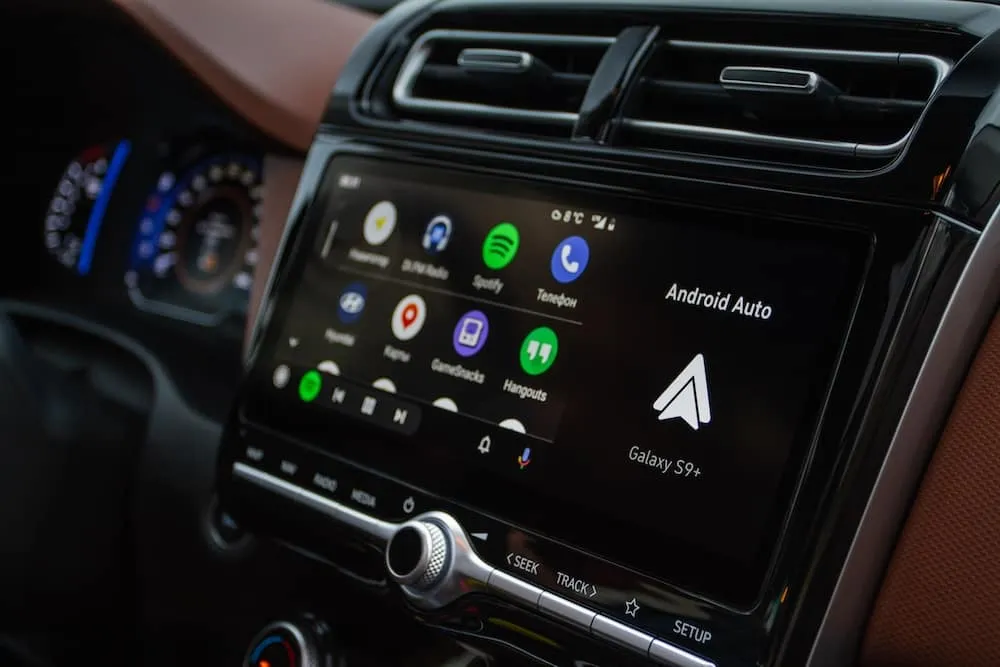
That can be useful when the goal is adding features such as Apple CarPlay or Android Auto while keeping the factory speakers and amplifier.
Modern radios do more than play music.
In some vehicles, the original audio system is also tied to warning sounds and driver notifications.
These may include:
Removing the factory radio without the right hardware can change or remove some of these functions.
PAC RadioPRO modules for certain GM vehicles include support for warning chimes.
The RP5-GM31, for example, lists retention of warning chimes and park-assist functions on supported vehicles.
That is one reason stereo installation has become more vehicle-specific over the years.
The radio may look like one piece in the dashboard, but the factory system can connect to several other parts of the car.
Sometimes.
Some PAC vehicle-specific modules can retain the factory reverse camera.
The exact answer depends on the vehicle and module.
PAC lists factory reverse-camera retention with several RadioPRO products, including selected GM and Nissan applications.
Some vehicles may require an extra camera adapter.
Others may have camera systems that cannot be fully retained with a particular interface.
A 360-degree camera system can be more complicated than a single rear camera.
PAC’s information for the RP4-NI13, used in selected Nissan models, notes that the module can retain the factory reverse camera but does not retain the factory 360-degree camera.
Here is why vehicle-specific planning matters.
“Retains the camera” should never be assumed from the PAC logo alone.
The installer needs to check the exact vehicle and factory camera configuration.
Audio Vision also installs car backup camera systems for vehicles that need a new camera or another camera setup.
This depends on how the vehicle handled Bluetooth from the factory.
Some factory Bluetooth systems are built into the original radio.
When that radio is removed, the factory Bluetooth feature may disappear with it.
In that case, the new stereo’s Bluetooth system usually takes over calling and audio streaming.
The steering wheel phone buttons may then be programmed to work with the new stereo when supported by the PAC adapter and receiver.
Other vehicles use separate factory modules.
Certain PAC RadioPRO products can retain factory Bluetooth in selected vehicles.
PAC’s RP5-GM11 documentation, for example, lists factory Bluetooth retention on supported 2009-and-newer GM vehicles.
The exact behavior varies.
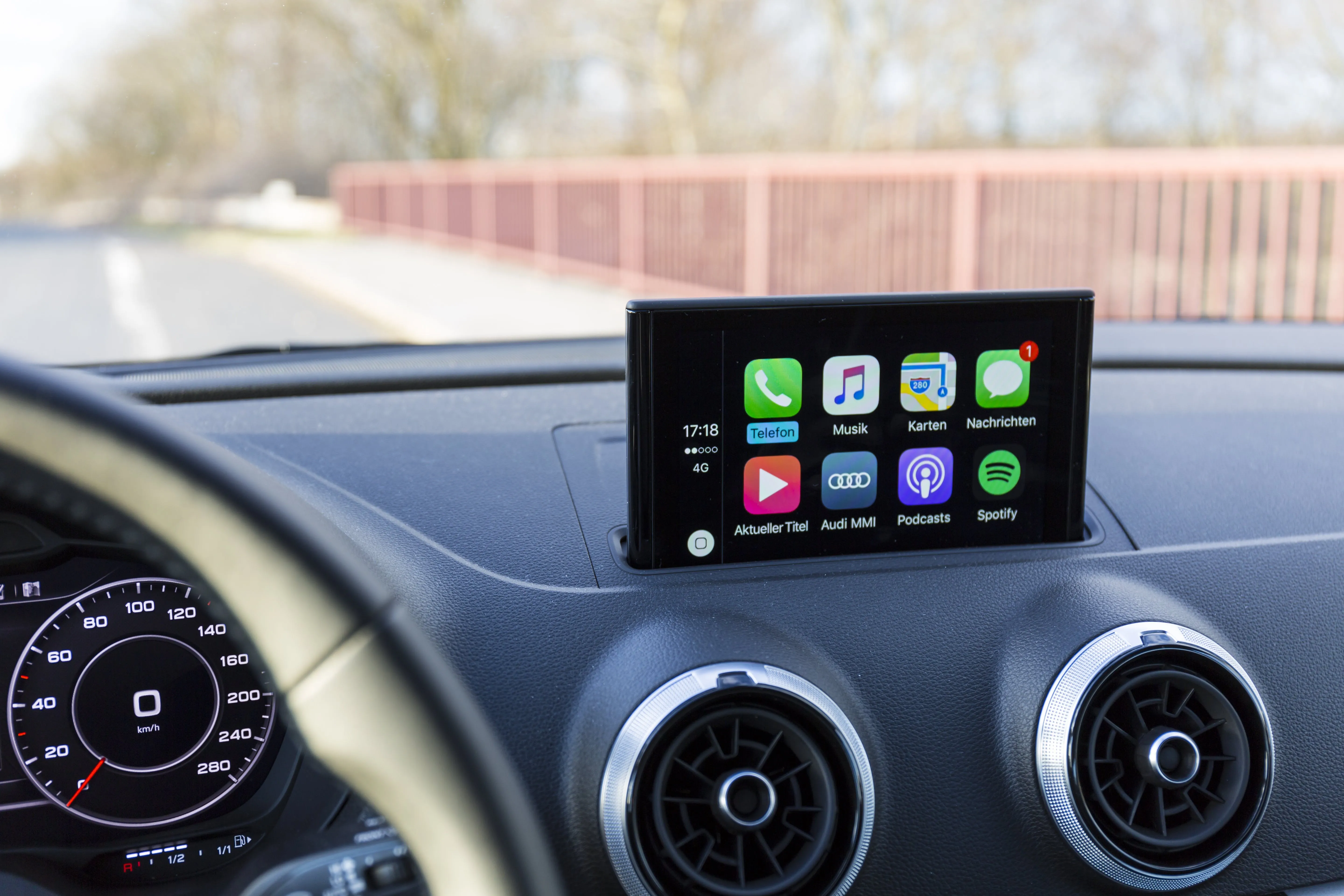
A new stereo with Apple CarPlay or Android Auto may also change how you use the steering wheel voice and phone buttons.
The goal is to determine what the original buttons do now and what you want them to do after the stereo swap.
In many supported installations, yes.
PAC says the SWI-CP2 can be configured through its ControlPRO software or with DIP switches.
The adapter can also assign secondary press-and-hold radio functions to factory buttons.
That can be useful if the new stereo has controls that were not present on the original radio.
You might be able to keep the normal short-press function while assigning another supported action to a long press.
What can be assigned depends on the radio and vehicle.
Not every button can necessarily be given any function you want.
The steering wheel adapter still has to work within what the factory controls and aftermarket receiver support.
Buying a PAC adapter is only half of the compatibility check.
The aftermarket stereo must also support steering wheel control input in a way that works with the selected module.
Many receivers from major car-audio manufacturers support wired steering wheel controls.
That can include models from brands such as:
Compatibility can vary by specific receiver.
Some radios use a 3.5 mm control connection.
Others use a wire in the harness.
Programming procedures can also differ.
Crutchfield recommends checking both the vehicle and replacement receiver before choosing a steering wheel control adapter.
That same approach makes sense when planning installation at Audio Vision.
PAC has produced radio replacement modules for many vehicle families.
A few examples show how different each application can be.
Selected RadioPRO5 modules can retain functions such as:
The exact list changes by vehicle.
PAC’s RP4-CH11 supports selected Chrysler-built vehicles and can retain:
PAC’s RP4-FD11 was made for selected Ford-family vehicles and supports steering wheel control and factory amplifier retention along with several radio-related vehicle signals.
PAC’s RP4-HD11 supports selected Honda vehicles and lists steering wheel controls, factory amplifier retention, and the ability to set the factory clock on supported applications.
PAC’s RP4-NI13 supports selected newer Nissan models and can keep steering wheel controls, the factory amplifier, and reverse camera on compatible vehicles.
The examples above do not mean every model from each manufacturer is supported.
Model year, trim, radio type, and factory equipment need to be checked.
Before buying the radio, make a list of everything the factory stereo currently controls.
Do you have steering wheel buttons?
Does the vehicle have a factory amplifier?
Is there a factory subwoofer?
Do you have Bose, Alpine, Infinity, JBL, Sony, or another premium factory sound package?
Do you use OnStar?
Does the factory backup camera display through the radio?
Does the car have rear-seat entertainment?
Are warning chimes played through the speakers?
Does the vehicle use factory Bluetooth?
Do parking sensors play through the audio system?
Are climate or vehicle settings shown through the radio?
Answering these questions before installation can determine which PAC module is appropriate.
It can also tell you when replacing the stereo is more involved than a dash kit and wiring harness.
A PAC interface makes sense when you want the new stereo without needlessly giving up compatible factory functions.
A typical driver may want:
At the same time, that driver may still want:
A correctly selected PAC module can act as the bridge between those two sides of the vehicle.
That can make the finished radio upgrade feel much more complete.
If you are planning a stereo upgrade in Montclair, CA, Ontario, CA, Pomona, CA, or nearby Inland Empire communities, steering wheel control retention should be part of the plan before installation begins.
Audio Vision works with PAC Audio interfaces and aftermarket car stereo systems.
The shop can also help with:
Audio Vision is located at:
Audio Vision
5521 Holt Blvd
Montclair, CA 91763
Phone: (909) 983-4500
Hours: Monday through Sunday, 9:00 AM to 7:00 PM
The shop serves drivers from Montclair, CA, Ontario, CA, Pomona, CA, Rancho Cucamonga, CA, Claremont, CA, Chino, CA, Chino Hills, CA, and surrounding Inland Empire communities.
Call (909) 983-4500 or contact Audio Vision online to discuss your vehicle, factory radio, steering wheel controls, and the aftermarket stereo you want installed.
They can in many vehicles when a compatible steering wheel control adapter is installed. PAC’s SWI-CP2 is designed to translate factory steering wheel button signals for supported aftermarket radios. Vehicle and receiver compatibility should be checked before installation.
A PAC steering wheel control interface reads button information from the vehicle and converts it into commands the compatible aftermarket stereo can understand. This can keep functions such as volume, track selection, source, and other supported buttons working after the factory radio is removed.
No. The SWI-CP2 is centered on steering wheel control retention. A vehicle-specific RadioPRO module may handle steering wheel controls along with factory amplifier retention, warning chimes, cameras, OnStar, rear-seat controls, and other supported factory functions.
Some can. PAC offers vehicle-specific modules that support Bose amplifier retention in selected applications. The RP5-GM31 and other GM modules are examples. The correct module depends on the vehicle, model year, and factory audio package.
Some PAC radio replacement modules retain factory backup cameras in compatible vehicles. Certain applications require extra camera hardware, while some multi-camera systems may have limitations. Check the exact PAC application before replacing the factory radio.
Some steering wheel functions may work with CarPlay or Android Auto through a compatible aftermarket stereo and steering wheel adapter. Volume, track, phone, and voice functions depend on the vehicle, radio, and adapter programming. Audio Vision installs both Apple CarPlay and Android Auto systems.
Audio Vision is located at 5521 Holt Blvd, Montclair, CA 91763 and works with PAC Audio products for aftermarket stereo installation. Call (909) 983-4500 or use the Audio Vision contact page to discuss your vehicle and the factory controls you want to retain.
Looking for the best car audio installation in Montclair, CA? Discover expert tips, top brands, and why Audio Vision is the go-to destination for high-quality car sound systems.
Product Brand: Audio Vision
Product Currency: USD
Product Price: 299
Product In-Stock: InStock

Acima, a flexible lease-to-own option that helps you get the car upgrades you love—without needing perfect credit. Whether you’re looking for car audio, video, security systems, window tint, wheels, auto lighting, or accessories, Acima makes it easy with no credit needed and convenient payment options. Get what you want today and pay over time, hassle-free!

Snap Finance is here to help you get the car audio, video, security, window tint, wheels, lighting, and accessories you need today. With Snap Finance, you can shop now and pay later, thanks to their flexible payment plans that consider more than just your credit score. Applying is fast and easy, and you’ll receive a decision in seconds. Take advantage of stress-free payment options that fit your payday schedule, so you can upgrade your ride without the wait!
Explore the many services we offer by clicking the boxes below


|
|
|
|
|
|
|
|
|
|
|
|
|
|
|
|
PAC Audio Interfaces: Keeping Steering Wheel Controls After a Stereo Upgrade
|
PAC Audio Interfaces: Keeping Steering Wheel Controls After a Stereo Upgrade
|
PAC Audio Interfaces: Keeping Steering Wheel Controls After a Stereo Upgrade
|
PAC Audio Interfaces: Keeping Steering Wheel Controls After a Stereo Upgrade
|
|
|
|
|
|
|
|
|
|
|
|
|
|
|
|
|
|
|
|
|
|
|
|
|
|
|
|
|
|
|