
Looking for the best car audio installation in Montclair, CA? Discover expert tips, top brands, and why Audio Vision is the go-to destination for high-quality car sound systems.
Product Brand: Audio Vision
Product Currency: USD
Product Price: 299
Product In-Stock: InStock
Car stereo installation in Montclair, CA can give you better sound, newer phone features, easier music control, and a cleaner way to use navigation or hands-free calling while you are on the road. The installation itself can range from a straightforward radio replacement to a more involved job that includes a dash kit, wiring adapters, steering wheel controls, a backup camera, amplifiers, or factory system connections.
If you are planning a stereo upgrade, you probably have three questions: What happens during the installation? How long can the work take? What affects the cost?
Those answers depend heavily on your vehicle and the equipment being installed. A newer vehicle with a factory touchscreen can require a different approach than an older car with a traditional radio. The best way to get an accurate answer is to have the vehicle and stereo checked before the work begins.
Audio Vision provides car stereo installation in Montclair, CA for drivers who want their new radio installed with the correct fitment, wiring, and system setup. Here is what you should know before scheduling your visit.
Professional car stereo installation in Montclair, CA starts with figuring out what your vehicle needs before the factory radio is removed.
A replacement stereo has to fit the dash, connect to the vehicle wiring, work with the speaker system, and support any features you want to keep. Depending on the vehicle, that can include steering wheel audio buttons, a factory amplifier, a factory backup camera, USB connections, antenna functions, or other factory equipment.
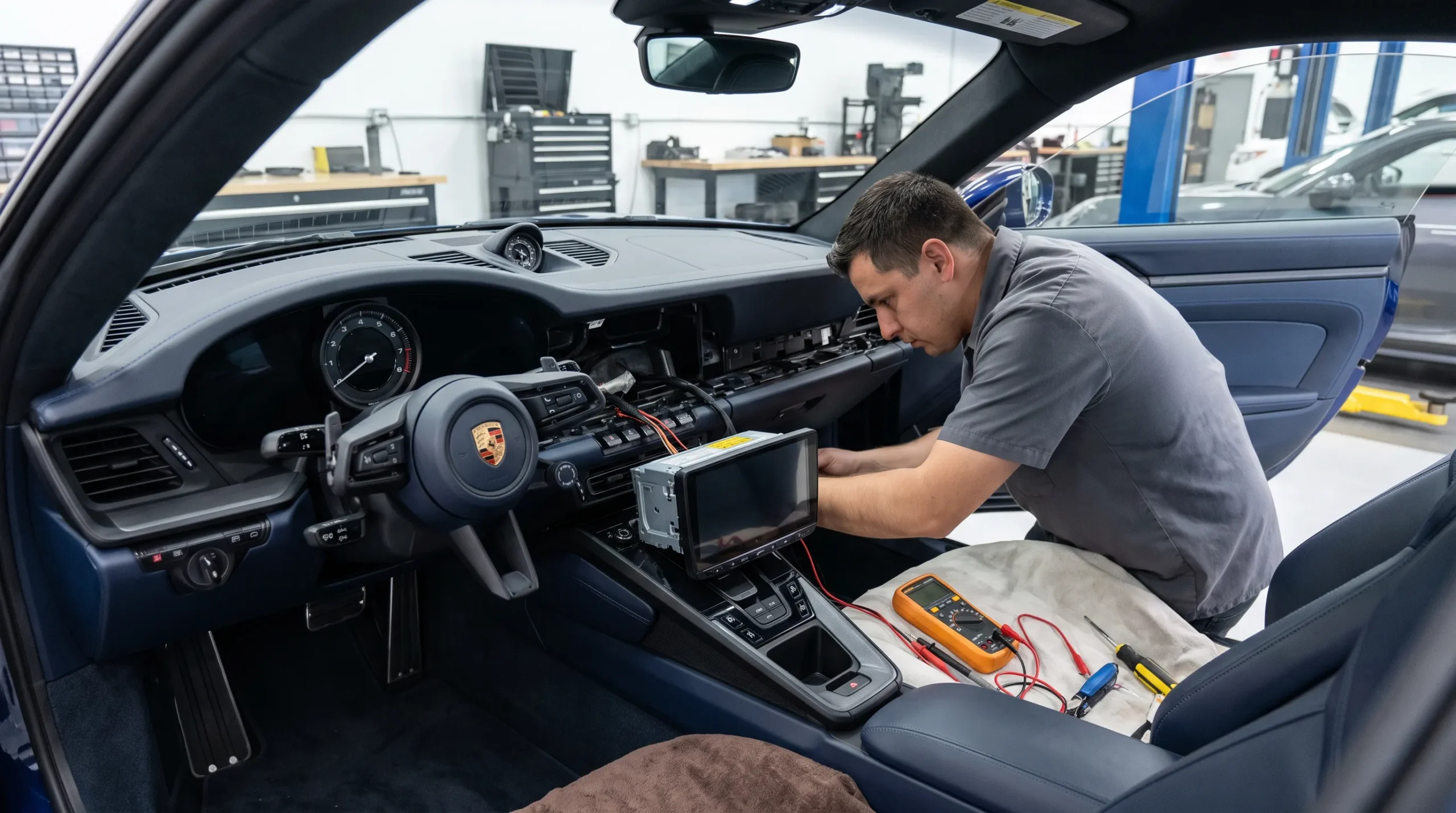
Crutchfield’s car stereo installation guide explains that replacement stereo installation commonly involves removing the factory radio, connecting a vehicle-specific wiring adapter, mounting the new stereo, testing the system, and reinstalling the dash trim.
The process sounds straightforward, but modern vehicles can add more steps.
Here is why.
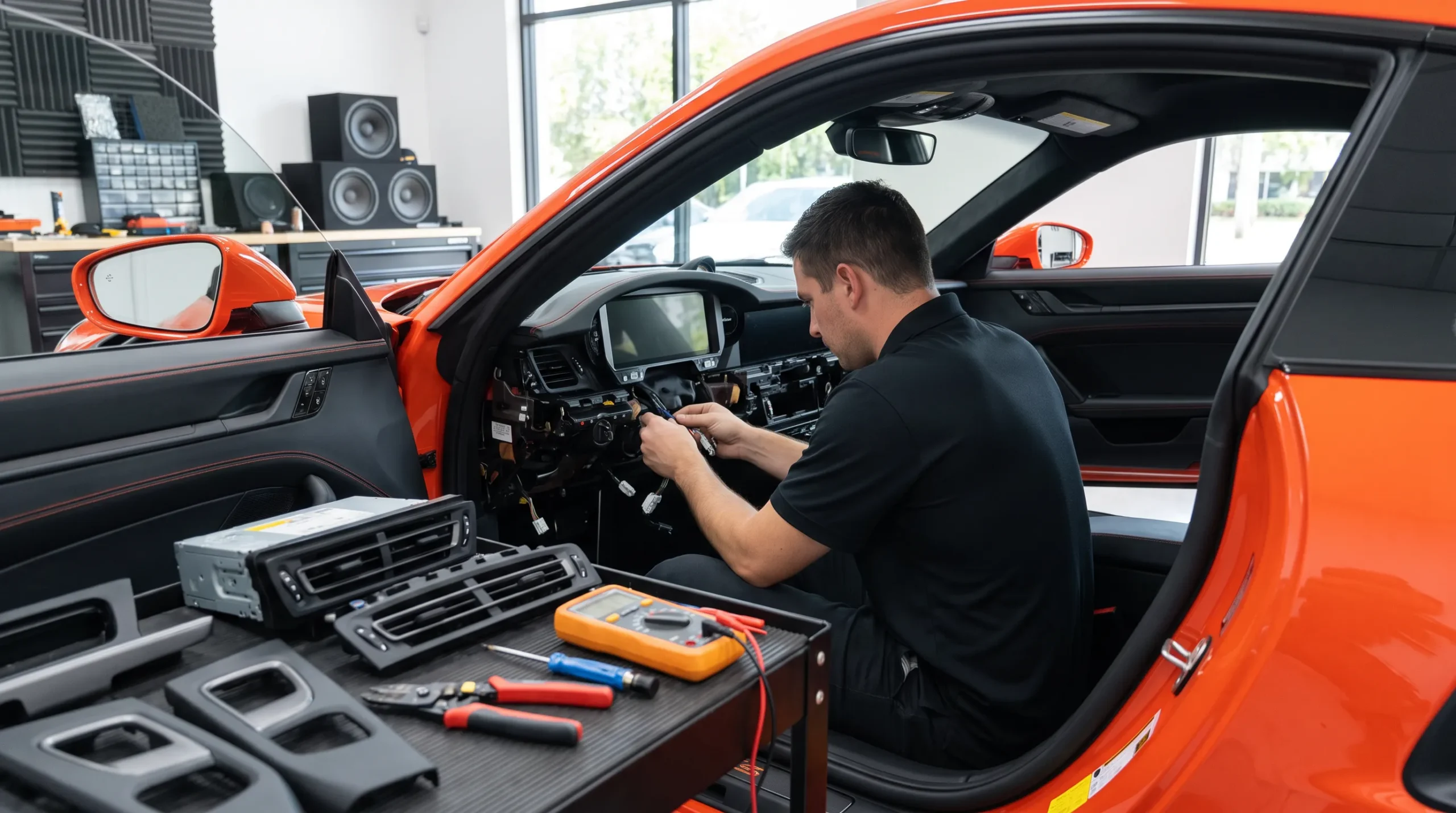
A factory radio may communicate with other electronics in the vehicle. That means the installer may need added interfaces or adapters rather than simply matching a few power and speaker wires.
The first part of car stereo installation in Montclair, CA is confirming that the stereo works with your vehicle.
The installer needs the vehicle year, make, model, and sometimes trim level. Factory audio packages can also matter. Two vehicles that look nearly identical may use different amplifiers, speakers, wiring, or dash layouts.
The stereo itself also needs to be checked.
Some vehicles can accept a single-DIN or double-DIN receiver with the right mounting kit. Other dashboards use radio shapes that require a model-specific dash kit.
The installer can also check which functions you want from the new radio.
Those may include:
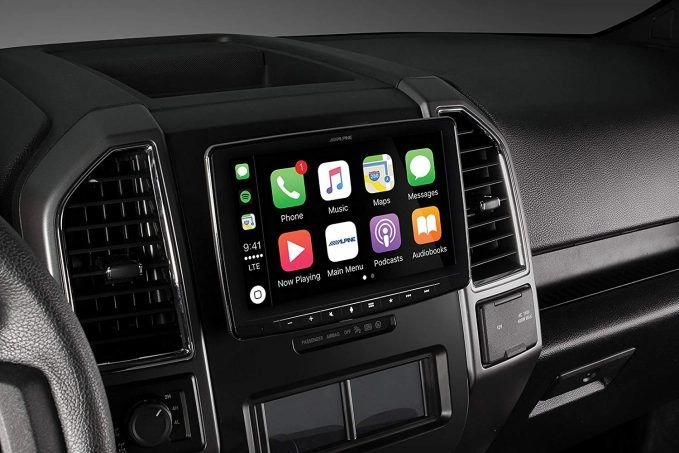
If you want smartphone features, Audio Vision offers both Apple CarPlay installation and Android Auto installation.
Once the fitment plan is clear, the installer can begin removing the factory radio.
Access may require removing trim panels, vents, screws, clips, or other dash pieces.
Crutchfield notes that factory stereos can be secured in several ways, including brackets, mounting rails, or spring clips. The removal procedure changes from vehicle to vehicle.
A professional installer works through the dash carefully so the new stereo can go in without unnecessary damage to surrounding panels.
During car stereo installation in Montclair, CA, this part of the job is also a chance to see how the factory radio connects to the vehicle.
The installer can inspect the plugs, antenna connection, factory wiring, and available room behind the dash before fitting the replacement unit.
Many aftermarket stereos need a dash kit.
The dash kit fills the space around the replacement radio and gives it a mounting point that fits the vehicle’s dashboard.
Crutchfield explains that some installations use the mounting brackets from the factory radio, while others require a separate mounting kit. The method depends on the vehicle and stereo.
Good fitment matters.
You want the radio to sit firmly in the dash without looking loose or out of place. The screen or faceplate should also have room to operate normally.
Some stereos have large floating screens that extend beyond the standard radio opening. Those systems need extra attention so the screen does not block vents, switches, or other controls.
What this means is that car stereo installation in Montclair, CA should account for both electrical fitment and physical fitment.
Wiring is one of the most important parts of a stereo replacement.
The new stereo needs power, ground, speaker connections, and other signal connections depending on the vehicle and equipment.
A vehicle-specific wiring adapter can often connect the aftermarket stereo to the original vehicle plug.
Crutchfield’s stereo wiring guide explains that stereo installation normally begins by connecting the new radio harness to an adapter made for the vehicle. The guide covers methods such as soldering and crimping for secure connections.
Manufacturer instructions also show why correct wiring matters. Kenwood installation documentation instructs installers to make the proper input and output connections, connect the wiring harness, install the unit, and then check vehicle functions after installation.
Professional car stereo installation in Montclair, CA should leave wiring secured and connected so the new receiver works properly with the rest of the system.
Replacing a radio is not always a matter of removing one box and plugging in another.
Some vehicles use the factory stereo for features you may want to retain.
Depending on the vehicle, those can include:
The required parts vary by vehicle.
This is one reason the vehicle needs to be checked before an installer can accurately explain the work involved.
A stereo that fits physically may still need an interface module to communicate with factory electronics.
When you schedule car stereo installation in Montclair, CA, tell the shop which factory functions you use regularly. That gives the installer a better picture of what the finished setup should retain.
Many drivers replace their factory stereo because they want newer technology.
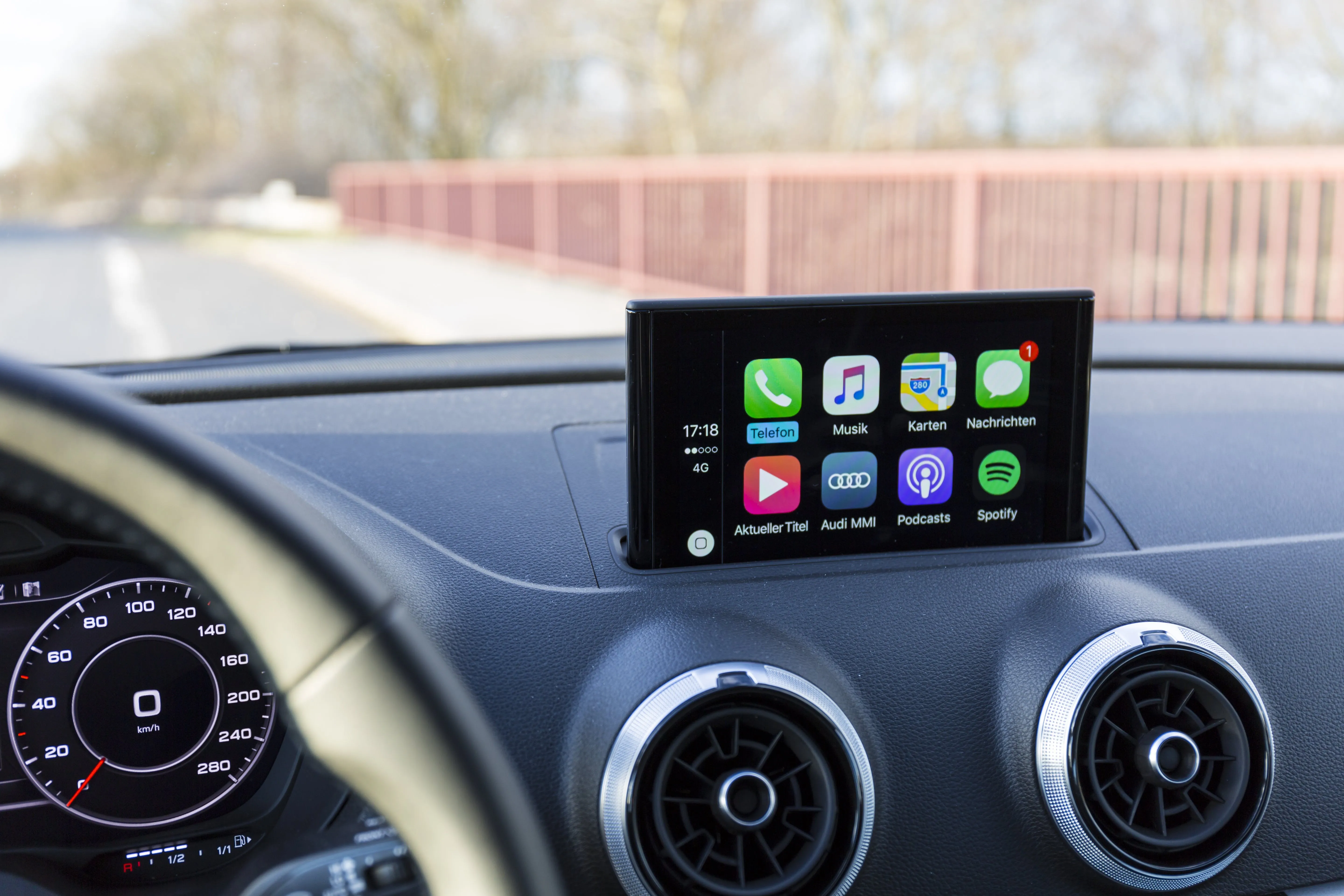
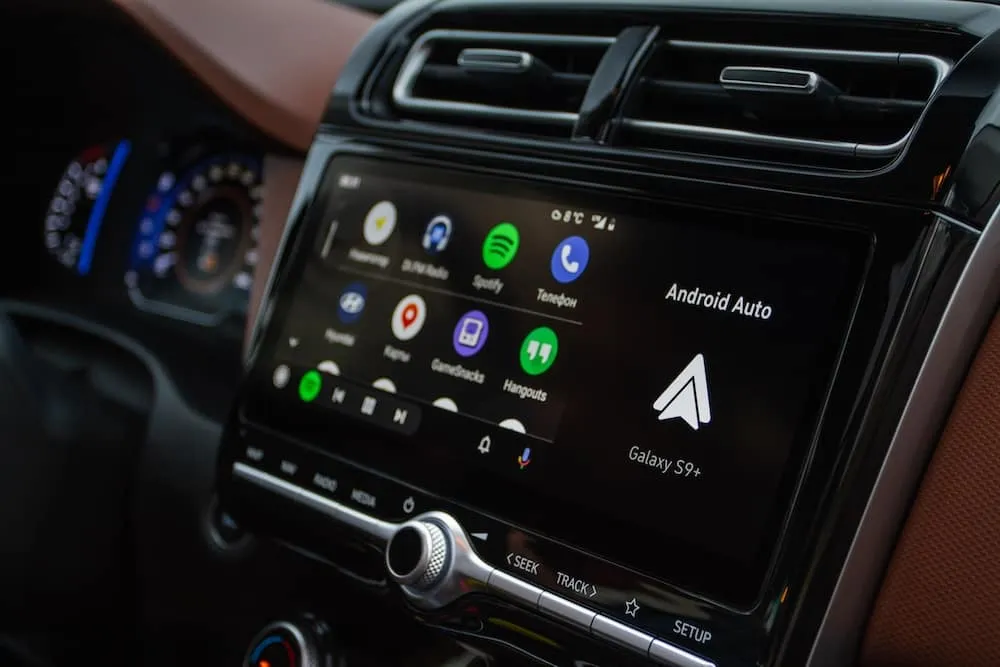
Apple CarPlay and Android Auto are common reasons for upgrading a receiver. A compatible stereo can put supported phone functions on the radio display so you can access music, calls, messages, and navigation through the stereo’s interface.
Audio Vision offers Apple CarPlay and Android Auto services for drivers who want these features added to a compatible vehicle setup.
A stereo replacement is also a good time to discuss a camera.
If the new receiver supports camera input, you may be able to pair the stereo upgrade with a car backup camera system.
Camera installation adds more work because wiring may need to run from the rear of the vehicle to the dashboard. The radio also needs the correct connection so the camera image appears when needed.
That can affect both the timeline and the amount of work included in car stereo installation in Montclair, CA.
The stereo should be tested before the dash is fully put back together.
Crutchfield recommends testing the stereo before fastening everything into place because it is easier to correct a problem while the wiring and radio are still accessible.
Testing can include:
After the system checks out, the stereo can be secured and the dash panels can be reinstalled.
This final testing step is part of what you are paying for when choosing professional car stereo installation in Montclair, CA.
There is no single timeline for every vehicle.
A straightforward stereo replacement may involve fewer steps than an installation that includes a factory amplifier interface, steering wheel controls, a backup camera, microphone routing, USB wiring, or other accessories.
Your vehicle can also affect the amount of work.
Some dashboards provide quick access to the factory stereo. Others require more trim removal before the radio can come out.
Newer vehicles may also have more electronics tied to the factory system.
The equipment you choose matters too.
A stereo installation involving only the receiver will usually involve fewer tasks than a larger upgrade that includes car speakers, car amplifiers, or a car subwoofer.
The best way to find out how much time your car stereo installation in Montclair, CA may require is to contact Audio Vision with your vehicle information and the stereo features you want.
The cost of car stereo installation in Montclair, CA varies because the work is different from one vehicle to another.
Audio Vision can give you information based on your actual vehicle and equipment rather than a generic figure that may not apply to your installation.
Several factors can affect the work involved.
The year, make, model, trim, and factory audio system can change which parts are needed.
A straightforward receiver may have a different installation process than a large touchscreen or multimedia receiver.
Some vehicles need a model-specific dash kit so the new radio fits correctly.
A wiring harness or interface may be needed to connect the replacement stereo to factory wiring.
Keeping factory audio buttons on the steering wheel may call for a compatible control interface.
Vehicles with factory amplified audio can require added parts to connect the new stereo correctly.
Connecting an existing or newly installed camera can add wiring and setup work.
Compatible stereos may need USB routing, microphone placement, phone pairing, or other setup steps.
Installing speakers, an amplifier, or a subwoofer at the same time will change the scope of the project.
Because these variables can differ so much, Audio Vision does not need to guess about your installation. Call (909) 983-4500 or use the Audio Vision contact page to discuss your vehicle and request information about the work needed.
In many cases, yes.
Replacing your stereo does not automatically mean every speaker must be replaced.
A new receiver may work with the factory speakers, depending on the vehicle’s audio system and how those speakers are connected.
You may still decide to replace the speakers if they are damaged or if you want a different sound.
Audio Vision provides car speaker installation for drivers who want to pair a stereo upgrade with new speakers.
If you are unsure whether the radio or speakers are causing a sound problem, car audio troubleshooting can help narrow down the source before parts are changed.
A stereo replacement can be done by itself, but some drivers want more from the rest of the audio system.
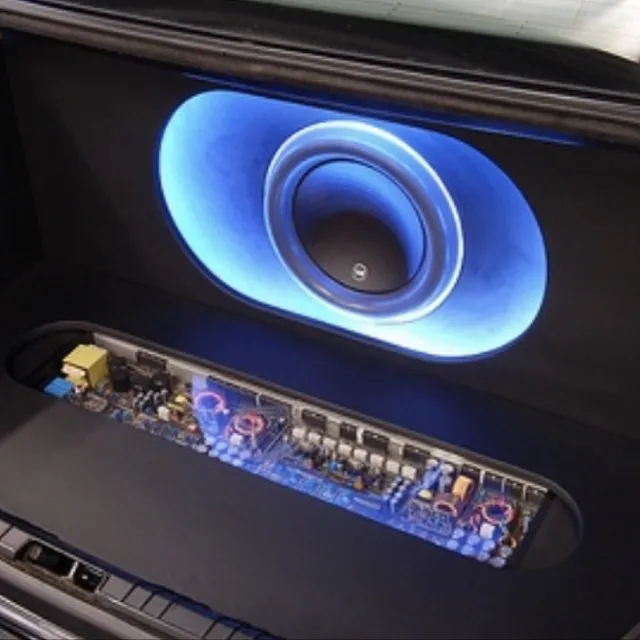
An amplifier can supply power to aftermarket speakers or a subwoofer. A subwoofer handles low bass that smaller door speakers are not designed to reproduce in the same way.
Audio Vision offers car amplifier installation and car subwoofer installation for customers building a larger audio setup.
If you may add these parts later, tell the installer when planning your car stereo installation in Montclair, CA.
That allows the radio choice and system layout to account for what you may want from the vehicle later.
Audio Vision is located at 5521 Holt Blvd, Montclair, CA 91763.
The shop serves drivers from Montclair, CA and nearby communities such as Ontario, CA, Claremont, CA, Pomona, CA, Rancho Cucamonga, CA, Chino, CA, and Chino Hills, CA.
A driver from Ontario, CA might want a touchscreen stereo with Apple CarPlay.
Someone coming from Claremont, CA may want to replace an older receiver while keeping the existing speakers.
A customer from Pomona, CA may want a stereo, new speakers, and a backup camera installed as one project.
The installation can be planned around the vehicle rather than forcing the same setup into every car.
Audio Vision has served the Inland Empire since 2006 and works with car audio, speakers, amplifiers, multimedia receivers, vehicle security equipment, lighting, and other mobile electronics.
Professional car stereo installation in Montclair, CA gives you a shop that can look at the entire audio system rather than only the radio itself.
Audio Vision works with many car audio brands, including Kenwood, Pioneer, Sony, JVC, Alpine, and JBL.
The shop can also help when the job expands beyond a simple radio replacement.
You can discuss car audio, speakers, amplifiers, subwoofers, phone connectivity, navigation, or backup cameras during the same visit.

Here’s what matters: the parts should fit your vehicle and work together once the installation is complete.
If you are ready for car stereo installation in Montclair, CA, contact Audio Vision before choosing your final setup.
Have your vehicle year, make, model, and trim available. Tell the shop whether your vehicle has a factory amplifier, premium factory audio, steering wheel controls, or a backup camera. You can also explain which new features you want.
Audio Vision is located at:
5521 Holt Blvd Montclair, CA 91763
Phone: (909) 983-4500
Hours: Monday through Sunday, 9 a.m. to 7 p.m.
You can also contact Audio Vision online to schedule an appointment and discuss the installation work for your vehicle.
Car stereo installation in Montclair, CA can include factory radio removal, dash preparation, mounting the new receiver, connecting the wiring, installing needed adapters, testing speakers, checking added features, and reinstalling dash panels. Your vehicle and stereo determine the exact steps.
Installation time varies by vehicle and equipment. A stereo replacement with simple wiring can involve fewer steps than a vehicle that needs factory amplifier connections, steering wheel controls, a backup camera, USB routing, or added audio equipment. Contact Audio Vision with your vehicle information for a better idea of what your installation involves.
The cost depends on the vehicle, stereo, dash kit, wiring adapters, factory system, retained controls, cameras, and other equipment being installed. Call Audio Vision at (909) 983-4500 or use the contact form to discuss your vehicle and installation needs.
Yes, if you choose a compatible receiver and your vehicle can accept the installation. Audio Vision offers Apple CarPlay installation and can help determine which setup works with your vehicle.
Many replacement stereos can work with factory speakers, but the answer depends on the vehicle and factory audio system. Vehicles with factory amplifiers or other factory audio equipment may require added connection parts.
Many touchscreen stereos have camera inputs. If the receiver and vehicle setup support it, a camera can often be connected during the stereo installation. Audio Vision also offers car backup camera installation.
Audio Vision provides car stereo installation in Montclair, CA at 5521 Holt Blvd, Montclair, CA 91763. Call (909) 983-4500 or visit the Audio Vision contact page to schedule an appointment.
Looking for the best car audio installation in Montclair, CA? Discover expert tips, top brands, and why Audio Vision is the go-to destination for high-quality car sound systems.
Product Brand: Audio Vision
Product Currency: USD
Product Price: 299
Product In-Stock: InStock

Acima, a flexible lease-to-own option that helps you get the car upgrades you love—without needing perfect credit. Whether you’re looking for car audio, video, security systems, window tint, wheels, auto lighting, or accessories, Acima makes it easy with no credit needed and convenient payment options. Get what you want today and pay over time, hassle-free!

Snap Finance is here to help you get the car audio, video, security, window tint, wheels, lighting, and accessories you need today. With Snap Finance, you can shop now and pay later, thanks to their flexible payment plans that consider more than just your credit score. Applying is fast and easy, and you’ll receive a decision in seconds. Take advantage of stress-free payment options that fit your payday schedule, so you can upgrade your ride without the wait!
Explore the many services we offer by clicking the boxes below


|
|
|
|
|
|
|
|
|
|
|
|
|
|
|
|
Car Stereo Installation in Montclair, CA: Process, Timeline & Cost
|
Car Stereo Installation in Montclair, CA: Process, Timeline & Cost
|
Car Stereo Installation in Montclair, CA: Process, Timeline & Cost
|
Car Stereo Installation in Montclair, CA: Process, Timeline & Cost
|
|
|
|
|
|
|
|
|
|
|
|
|
|
|
|
|
|
|
|
|
|
|
|
|
|
|