
Looking for the best car audio installation in Montclair, CA? Discover expert tips, top brands, and why Audio Vision is the go-to destination for high-quality car sound systems.
Product Brand: Audio Vision
Product Currency: USD
Product Price: 299
Product In-Stock: InStock
Auto customization in West Covina, CA can go in dozens of directions. You can change how your vehicle sounds, looks, feels inside, protects itself when parked, or connects with your phone. The harder question is deciding what should come first.
A good order starts with the upgrades you will use every day. Window tint can make the cabin more comfortable. Apple CarPlay or Android Auto can modernize an older dashboard. A backup camera can give you a better view behind the vehicle. Security equipment can add another layer of protection. Speakers, amplifiers, subwoofers, wheels, lighting, and wraps can come next depending on what you want from the vehicle.
Audio Vision provides vehicle customization from 5521 Holt Blvd, Montclair, CA 91763, serving customers from West Covina, CA and surrounding communities. Services include car audio, window tint, Apple CarPlay, Android Auto, security systems, cameras, lighting, wheels, and wraps.
If you are planning auto customization in West Covina, CA, here is a sensible order for deciding which services are worth doing first.
The smartest order for auto customization in West Covina, CA usually begins inside the vehicle.
Think about the things you notice every time you get behind the wheel.
Does the cabin get uncomfortable after sitting in the sun?
Does the stereo lack modern phone functions?
Is backing into a parking space harder because the vehicle has no camera?
Do you worry about the vehicle when it is parked?
Does the factory stereo sound weak?
Those questions can tell you more than a long catalog of accessories.
A vehicle can look completely different after new wheels and a wrap, but a touchscreen, tint, camera, or improved sound system may affect every trip you take.
Here is why: appearance changes are easy to appreciate from outside the car, while comfort and technology upgrades are something you interact with every day.
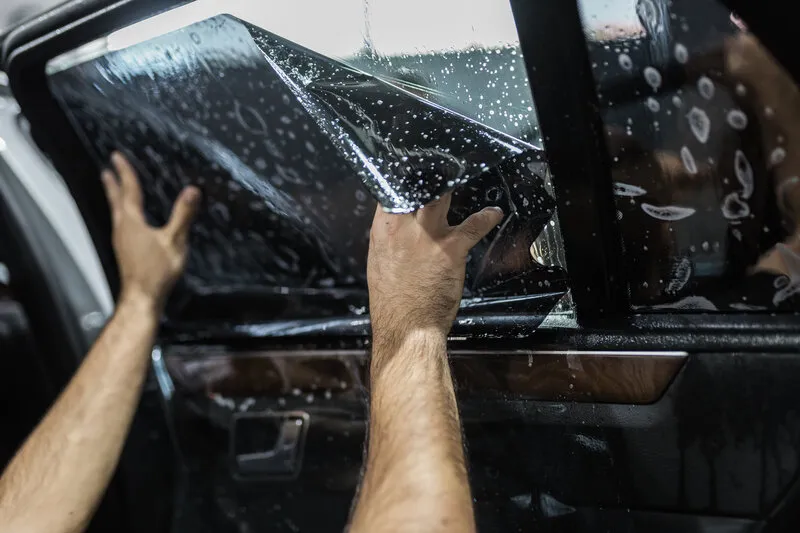
For many people planning auto customization in West Covina, CA, window tint belongs near the top of the list.
Tint can change:
Film selection matters more than simply choosing a dark shade.
High-performance ceramic films can publish strong solar-energy and infrared performance while remaining lighter than traditional dark films.
That makes tint worth discussing before purely cosmetic changes, especially for a vehicle that spends much of the day outside.
California also has rules governing material applied to vehicle glass, especially the front side windows and windshield. The current language of California Vehicle Code Section 26708 should be checked when selecting film for those areas.
A tint shop should be able to explain what film is being installed, its visible light transmission, and which windows are being treated.
Tint does not require you to redesign the rest of the vehicle.
You can tint a stock car today and still add audio, wheels, security, or a wrap later.
That makes it one of the easier first steps for auto customization in West Covina, CA.
An older vehicle can feel much newer after a modern receiver is installed.
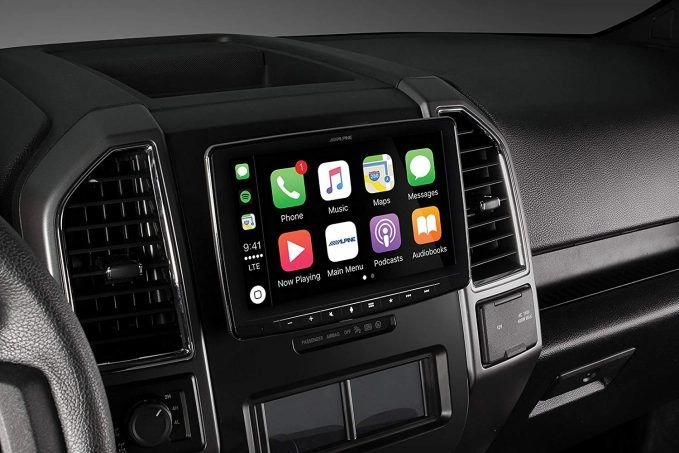
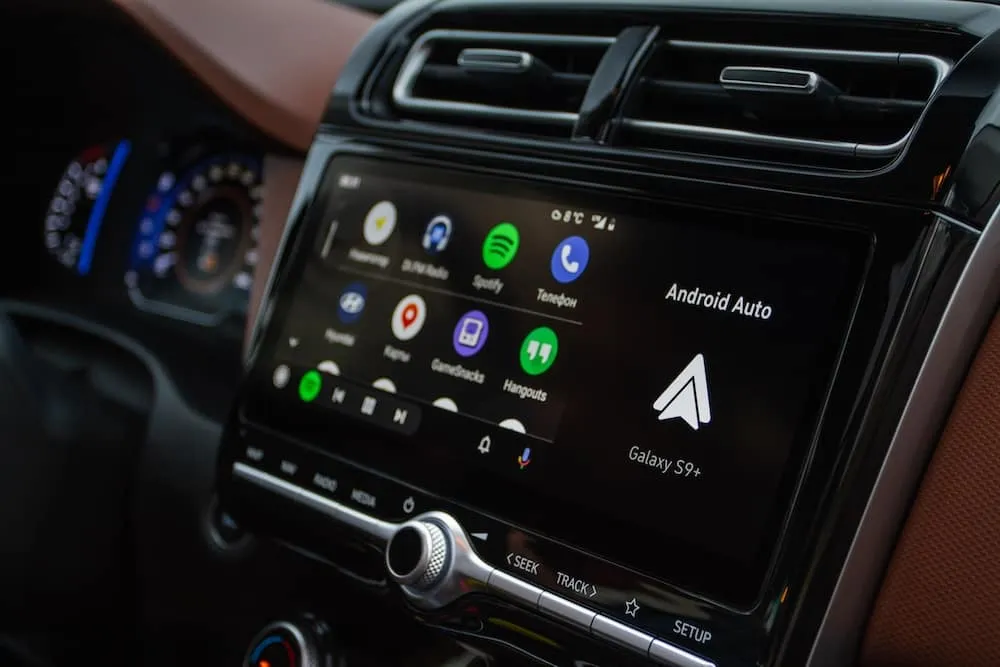
Audio Vision offers both Apple CarPlay and Android Auto installation.
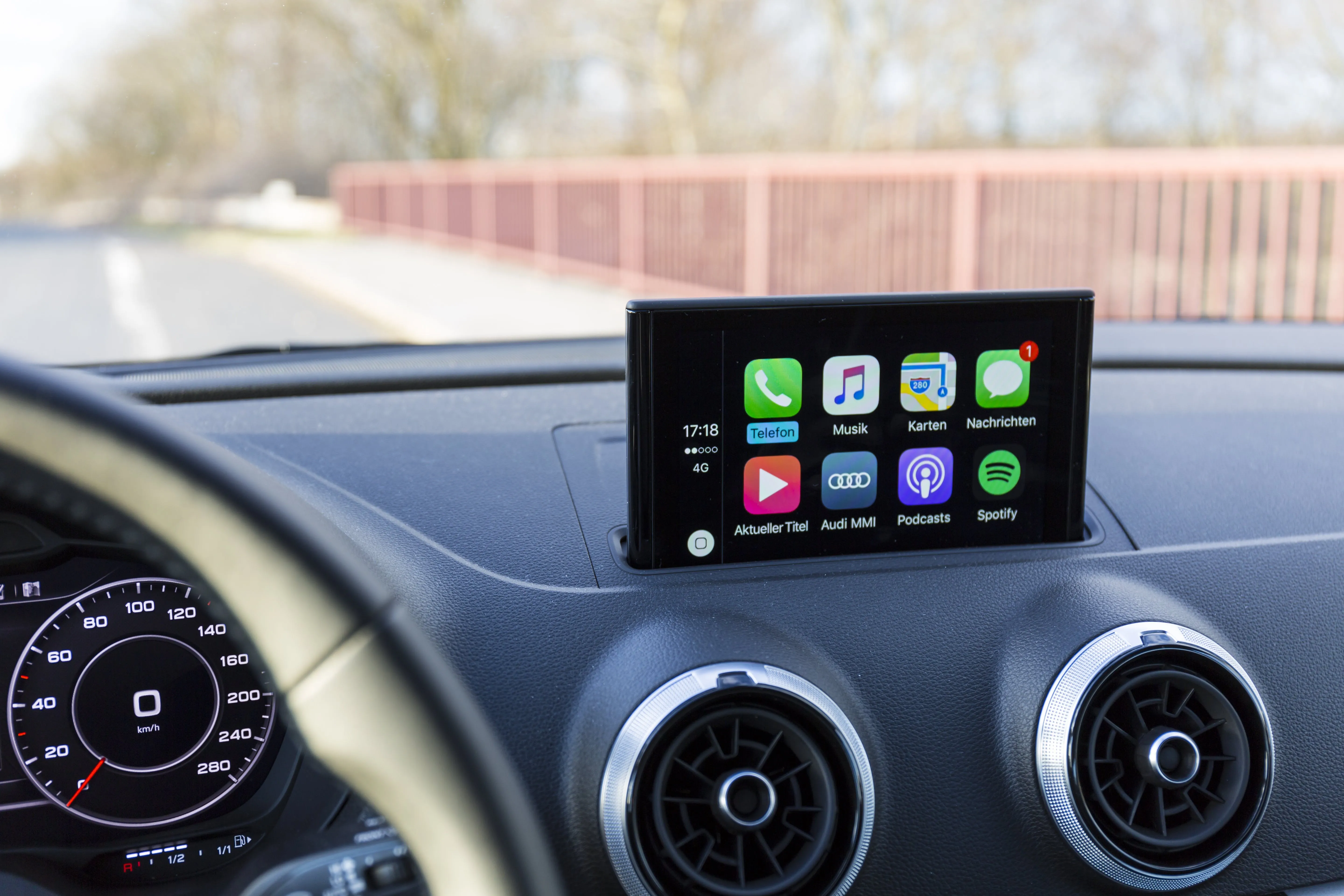
Apple states that CarPlay can provide access to maps, phone calls, messages, music, and supported apps through a compatible vehicle or stereo.
See Apple’s CarPlay instructions.
A replacement stereo can also add functions such as:
This can be one of the most noticeable changes on an older sedan, truck, SUV, or coupe.
Replacing the stereo can involve more than removing one radio and installing another.
Depending on the vehicle, you may want to retain:
A vehicle-specific dash kit or radio interface may be needed.
If a stereo upgrade is already part of your auto customization in West Covina, CA plan, discuss cameras and audio at the same time. One receiver may be able to support several upgrades.
A backup camera system is another upgrade worth considering early.
Rear visibility became such a serious vehicle-design concern that federal rules now require rearview image systems on covered newer light vehicles.
NHTSA’s rear-visibility requirements address the field of view behind the vehicle and the time in which the image needs to appear when reverse is selected.
See the NHTSA rear visibility information.
Older vehicles may not have a factory camera.
Others may have an aging camera with poor image quality.
A camera can often be paired with an aftermarket touchscreen when the receiver has a compatible camera input.
If you want both CarPlay and a backup camera, planning the jobs together can make sense.
The stereo choice can account for the camera from the beginning.
That may also give the installer a chance to route related wiring during the same project rather than reopening panels later.
For auto customization in West Covina, CA, this is a good example of planning several upgrades around one shared piece of equipment.
A vehicle security system belongs high on the list when protecting the car is one of your concerns.
Audio Vision installs car alarms, car security systems, and GPS tracking systems.
Depending on the equipment, a security setup may include:
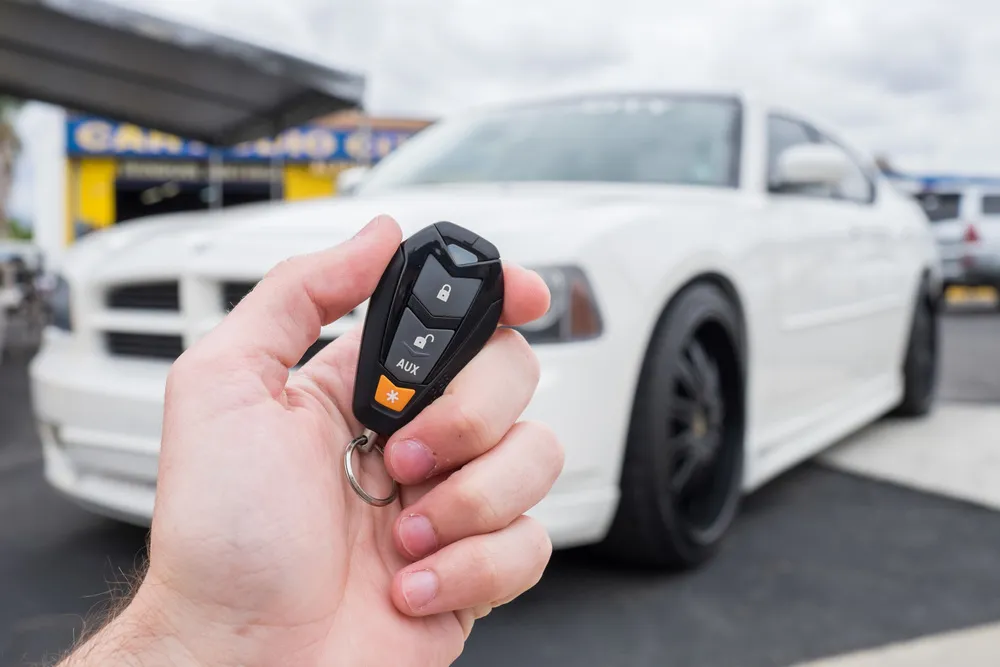
Compustar currently offers vehicle-security products with two-way remotes, smartphone control, security sensors, starter interruption, and GPS-capable connected equipment.
See Compustar vehicle security systems.
If you plan to add wheels, audio equipment, lighting, or other visible accessories, installing security early can be a sensible order.
A driver planning auto customization in West Covina, CA may want the alarm and tracking setup in place before adding more equipment to the vehicle.
If aftermarket wheels are part of the plan, ask about tilt sensing.
If expensive audio equipment is going into the trunk or cargo area, ask about trunk monitoring.
Once comfort, phone connection, cameras, and security are handled, sound is often the next area people want to change.
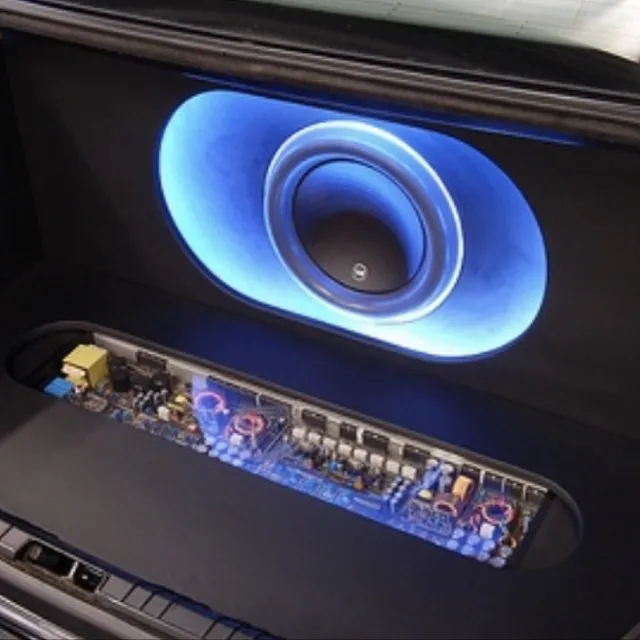
A car audio upgrade can be as small as a speaker replacement or as involved as a complete multi-amplifier system.
Possible changes include:
Start with what you dislike about the current system.
Look at the front speakers.
Speaker quality, amplifier power, factory processing, or setup may need attention.
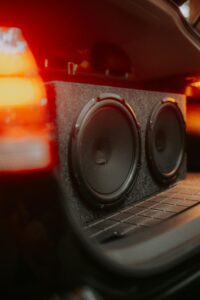
A subwoofer may make more sense than expecting small door speakers to reproduce deep low frequencies.
Amplification or signal processing may be the missing piece.
Audio Vision also provides car audio troubleshooting when the problem is not obvious.
For auto customization in West Covina, CA, sound work can be done in stages rather than replacing everything in one visit.
Lighting can change both appearance and nighttime use.
Audio Vision offers:
Before changing required road lighting, make sure the equipment suits the vehicle and applicable California and federal lighting rules.
A brighter-looking bulb is not automatically a better headlamp.
Headlamp housings are designed around specific light sources and beam patterns.
For appearance lighting, think about where the lights will be mounted, how wiring will be hidden, and how the system will be controlled.
If the vehicle already has alarms, audio amplifiers, cameras, or other added electronics, the installer should know what has already been connected.
Wheels can create one of the largest visual changes in an auto customization in West Covina, CA project.
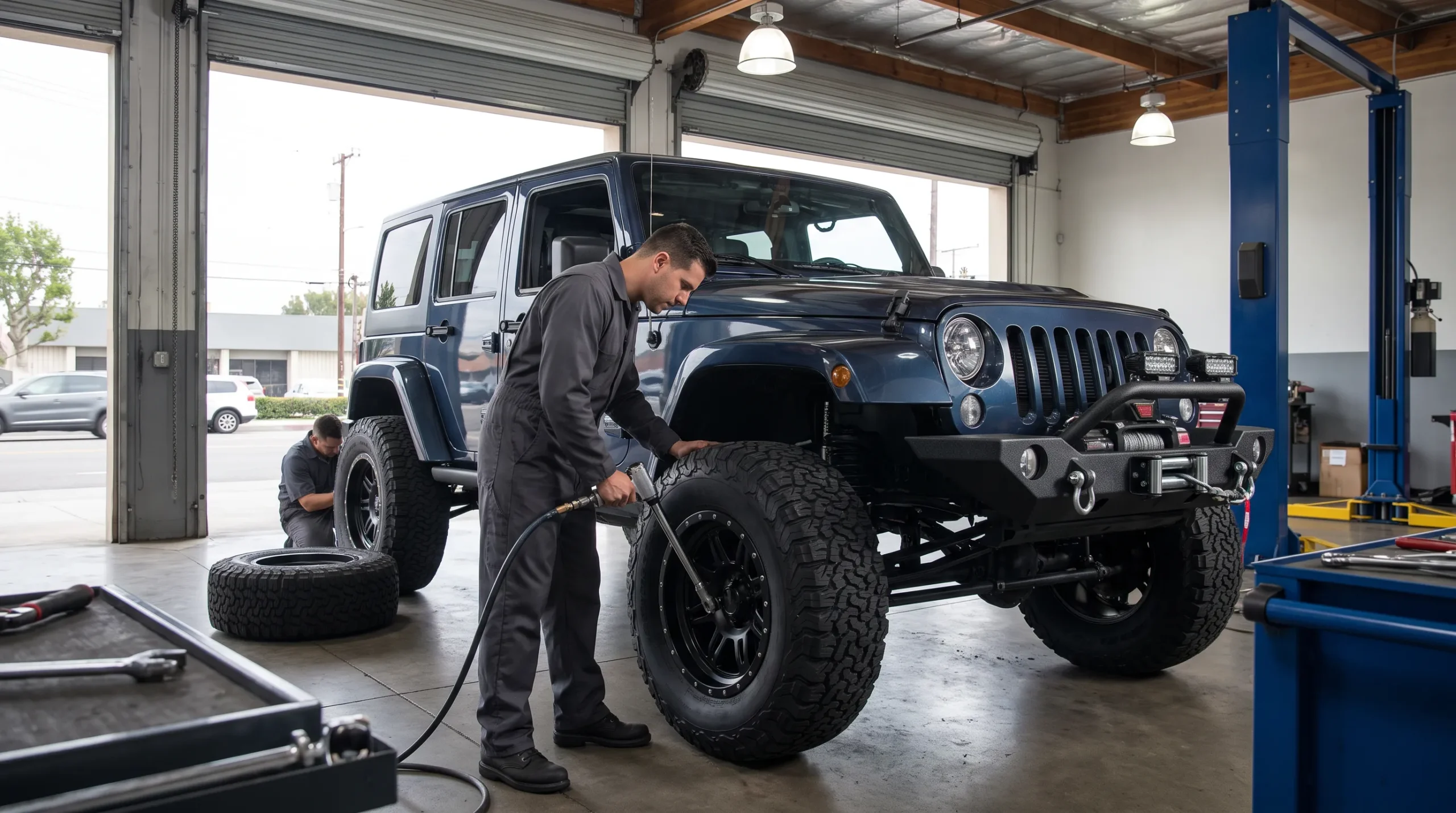
Audio Vision offers wheels, tires, and lift and lowering kits.
Before choosing wheels, check more than diameter.
Fitment can involve:
Suspension changes can affect how those clearances work.
That is why wheels, tires, and suspension should be considered together when more than one of them is changing.
A wheel may look great in a photo but still need the correct dimensions for your vehicle.
Tell Audio Vision whether the car is stock height, lowered, or lifted.
If suspension changes are coming later, mention them before selecting the wheel setup.
Once the functional upgrades are sorted out, exterior styling can finish the build.
Audio Vision provides car wrap and vinyl wrap services.
A wrap can change the color or appearance without repainting the entire vehicle.
It can also be paired with other appearance changes such as wheels, lighting, and window tint.
For a coordinated auto customization in West Covina, CA project, decide whether you want the finished vehicle to look:
Planning the visual changes together can help avoid a car that feels like several unrelated projects.
Some upgrades naturally pair well.
These can create a large appearance change without changing the vehicle’s mechanical parts.
A compatible touchscreen can handle phone functions and camera display.
Selecting them together makes it easier to match speaker requirements with amplifier output.
The amp should suit the subwoofer’s impedance and power needs.
A connected security plan can combine alarm functions with location features on supported equipment.
These parts affect fitment together and should be planned as a group.
What this means is that auto customization in West Covina, CA works better when related jobs are planned around the same final goal.
An older vehicle often gains the most from technology and comfort upgrades.
A sensible order may be:
That order can make a car from an earlier era feel far more current without changing what makes the vehicle enjoyable.
An older car can also have wiring or stereo work from previous owners.
If that is the case, ask for car audio troubleshooting before adding more equipment.
A newer vehicle may already have:
That changes the order.
A newer vehicle owner may want to begin with:
Do not replace factory technology merely because aftermarket equipment exists.
Keep factory functions that already work well and change the areas that actually bother you.
That can make auto customization in West Covina, CA feel more intentional.
The right first service depends on your routine.
If the vehicle sits outside all day, tint may be the first thing you notice.
If you spend hours commuting, CarPlay or Android Auto may matter more.
If you have trouble seeing behind an older truck or SUV, a backup camera may move ahead of audio.
If you have already invested in wheels or stereo equipment, security may become the next step.
If music is a major part of every trip, speakers and a subwoofer may come earlier.
Bottom line, there is no rule saying every build must follow the same order.
Start with the problem you want to solve most often.
Drivers looking for auto customization in West Covina, CA can visit Audio Vision at 5521 Holt Blvd, Montclair, CA 91763.
Audio Vision has served the Inland Empire since 2006 and works on cars, trucks, SUVs, motorcycles, boats, and side-by-sides.
Available services include:
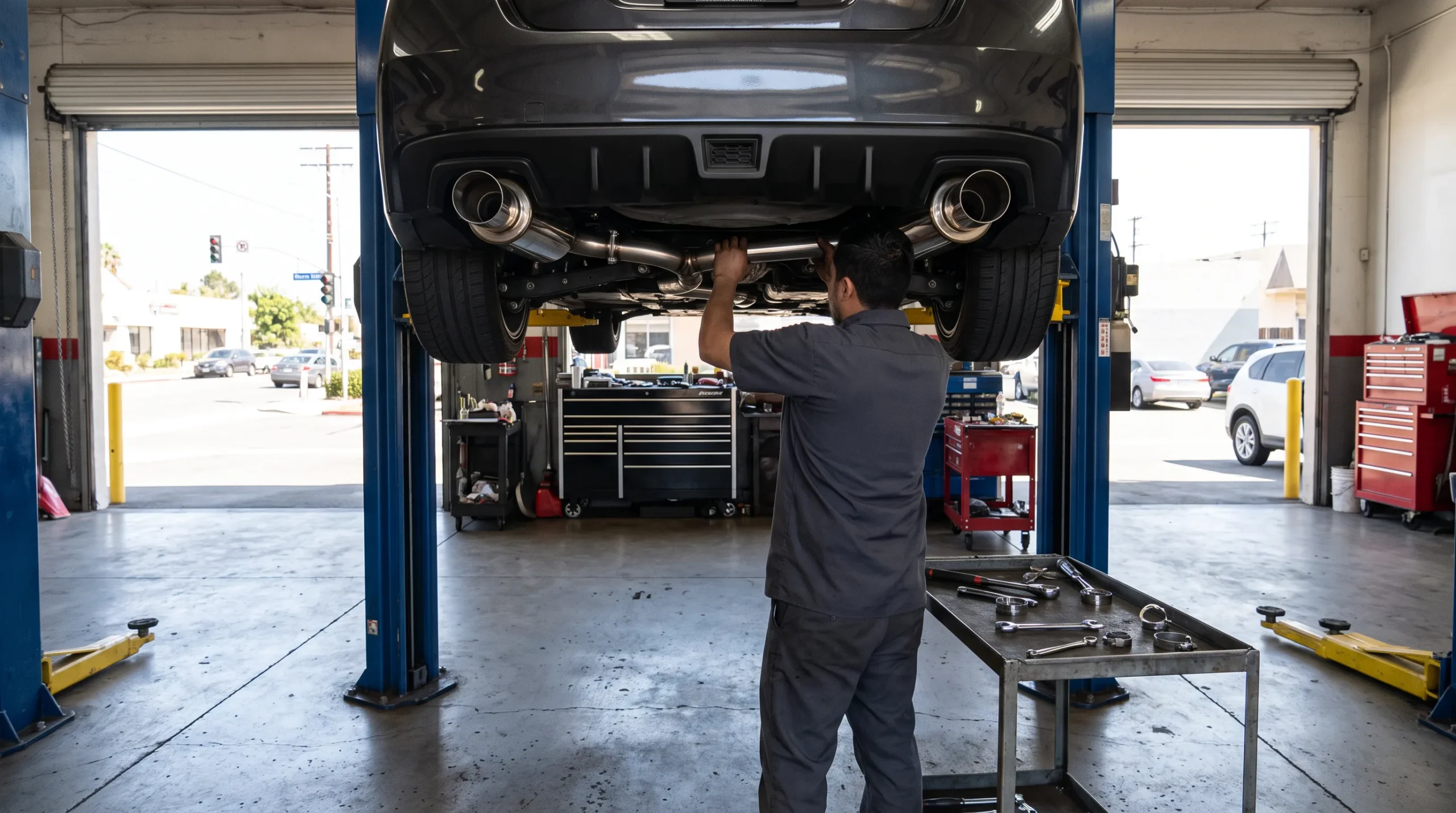
A full build does not have to happen at once.
You can start with the service that makes the biggest difference to your daily use and add the rest over time.
If you are planning auto customization in West Covina, CA, begin with a list of what you want to change about the vehicle.
Tell Audio Vision:
Then rank your goals.
Do you want a cooler cabin?
Do you want CarPlay?
Do you need a backup camera?
Do you want stronger security?
Do you want clearer audio or more bass?
Do you want wheels, lighting, or a new exterior look?
That gives the shop a better picture of where the project should begin.
Audio Vision
5521 Holt Blvd
Montclair, CA 91763
Phone: (909) 983-4500
Hours: Monday through Sunday, 9 a.m. to 7 p.m.
Call (909) 983-4500 or contact Audio Vision online to discuss your vehicle and schedule an appointment.
For many motorists, auto customization in West Covina, CA should begin with something used every day, such as window tint, CarPlay, Android Auto, a backup camera, or security equipment. The right first service depends on what your current vehicle lacks.
Tint can be a good early service because it does not depend heavily on your audio, wheel, or security plans. It can change comfort, glare, privacy, and appearance right away.
CarPlay can give a compatible aftermarket stereo access to maps, calls, messages, music, Siri, and supported apps from an iPhone. It can make an older dashboard much easier to use with a modern phone.
If the replacement receiver has a compatible camera input, installing both during the same project can make sense. The stereo can serve as the camera display while the wiring is planned together.
If theft protection is a concern, adding security before or alongside visible upgrades can make sense. Supported systems can include impact sensing, tilt sensing, starter interruption, two-way remotes, smartphone functions, and GPS equipment.
If the problem is unclear vocals or poor overall sound, speakers may come first. If you already like the factory sound but want deeper bass, a subwoofer may be the better starting point. Audio Vision can also check the existing system before parts are selected.
Audio Vision provides vehicle customization from 5521 Holt Blvd, Montclair, CA 91763. Services include tint, audio, CarPlay, Android Auto, alarms, GPS tracking, cameras, lighting, wheels, tires, and wraps. Call (909) 983-4500 or use the Audio Vision contact page to schedule an appointment.
Looking for the best car audio installation in Montclair, CA? Discover expert tips, top brands, and why Audio Vision is the go-to destination for high-quality car sound systems.
Product Brand: Audio Vision
Product Currency: USD
Product Price: 299
Product In-Stock: InStock

Acima, a flexible lease-to-own option that helps you get the car upgrades you love—without needing perfect credit. Whether you’re looking for car audio, video, security systems, window tint, wheels, auto lighting, or accessories, Acima makes it easy with no credit needed and convenient payment options. Get what you want today and pay over time, hassle-free!

Snap Finance is here to help you get the car audio, video, security, window tint, wheels, lighting, and accessories you need today. With Snap Finance, you can shop now and pay later, thanks to their flexible payment plans that consider more than just your credit score. Applying is fast and easy, and you’ll receive a decision in seconds. Take advantage of stress-free payment options that fit your payday schedule, so you can upgrade your ride without the wait!
Explore the many services we offer by clicking the boxes below


|
|
|
|
|
|
|
|
|
|
|
|
|
|
|
|
Auto Customization in West Covina, CA: Services Worth Doing First
|
Auto Customization in West Covina, CA: Services Worth Doing First
|
Auto Customization in West Covina, CA: Services Worth Doing First
|
Auto Customization in West Covina, CA: Services Worth Doing First
|
|
|
|
|
|
|
|
|
|
|
|
|
|
|
|
|
|
|
|
|
|
|
|
|
|
|