
Looking for the best car audio installation in Montclair, CA? Discover expert tips, top brands, and why Audio Vision is the go-to destination for high-quality car sound systems.
Product Brand: Audio Vision
Product Currency: USD
Product Price: 299
Product In-Stock: InStock
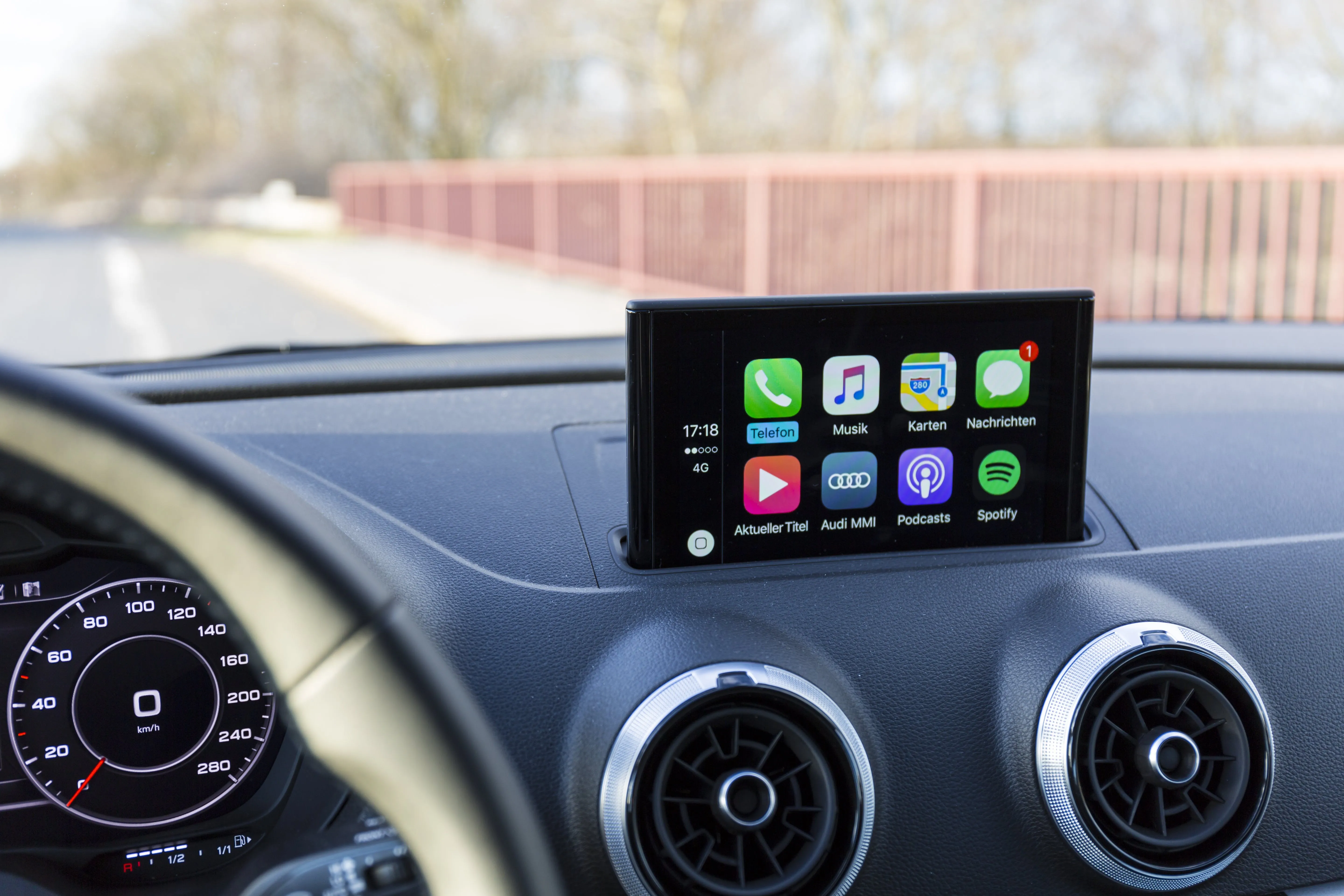
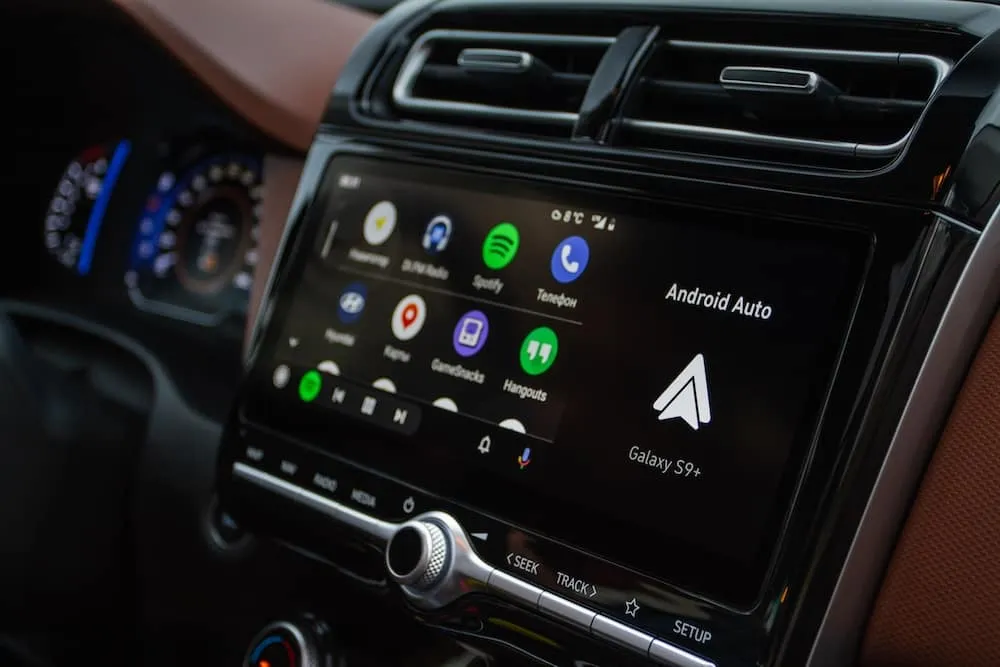
Adding Apple CarPlay to a car without it can give an older vehicle access to maps, calls, messages, music, Siri, and supported iPhone apps through a screen inside the car. You do not necessarily need to buy a newer vehicle to get those features.
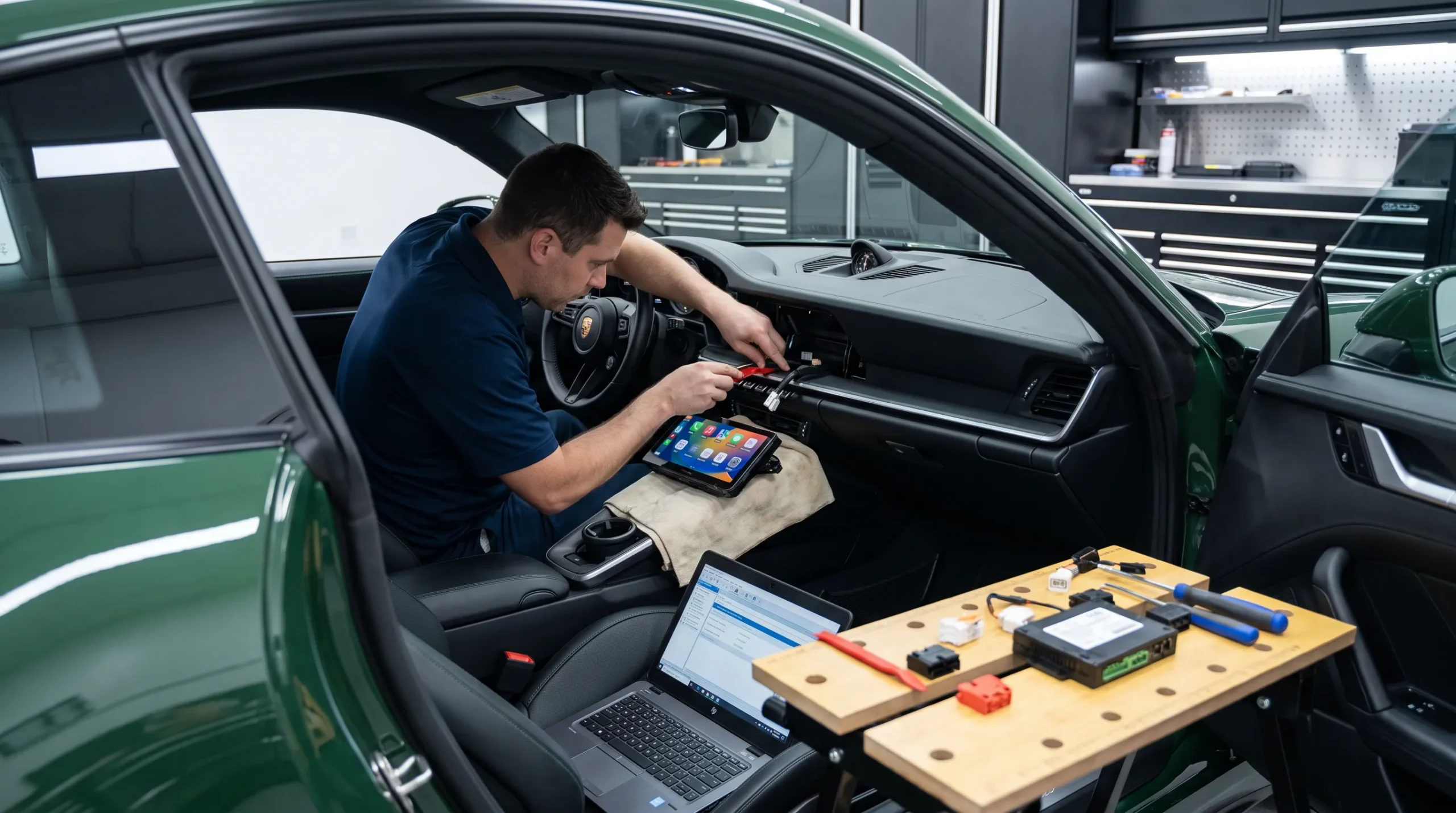
There are several ways to add CarPlay. Some drivers replace the factory radio with a new touchscreen receiver. Others can keep much of the original dash and use vehicle-specific radio replacement equipment. A floating-screen stereo can work when a larger display is wanted but dashboard space is limited. Portable CarPlay screens are another option for vehicles where replacing the factory radio is not the preferred route.
Audio Vision in Montclair, CA provides Apple CarPlay installation for drivers who want to add newer phone connectivity to their cars, trucks, and SUVs.
If you are researching adding Apple CarPlay to a car without it, here are the main options and what you should know about each one.
Yes, many vehicles that did not leave the factory with CarPlay can use an aftermarket CarPlay setup.
Apple states that CarPlay works through a compatible vehicle or stereo and can connect through USB or wirelessly when the stereo supports that method. You can review Apple’s CarPlay connection guide.
That makes the stereo one of the first things to look at when adding Apple CarPlay to a car without it.
The exact path depends on your dashboard and factory electronics.
Some older vehicles have a standard radio opening that can accept an aftermarket touchscreen with a dash kit.
Other vehicles have radios tied to steering wheel controls, factory amplifiers, cameras, or vehicle settings. Those cars may need added interface hardware.
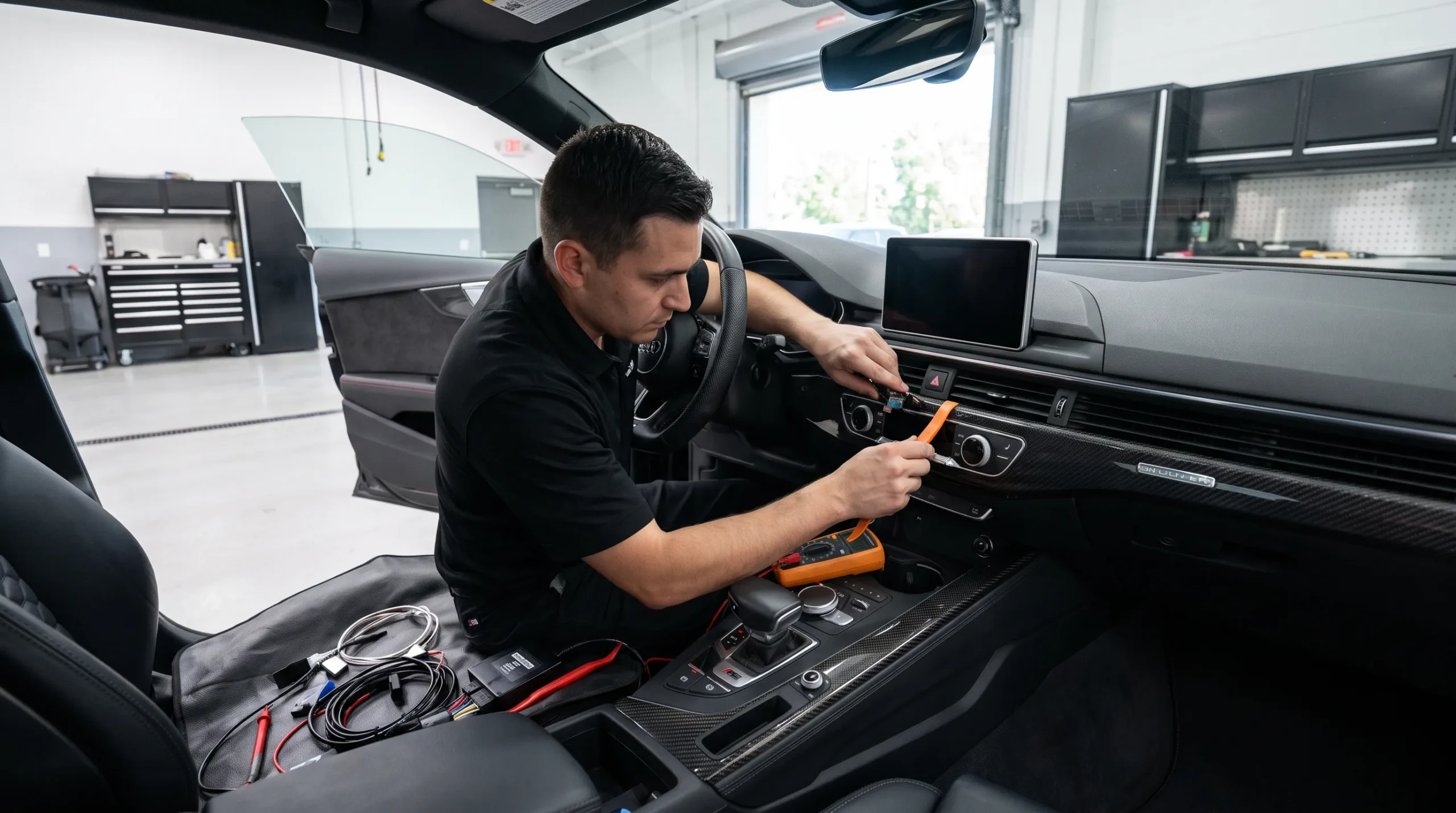
There are also vehicles where a floating display or portable screen may be a better fit.
Replacing the factory stereo is one of the most common ways of adding Apple CarPlay to a car without it.
The original radio comes out and a compatible aftermarket receiver goes in its place.
A replacement receiver can add functions such as:
Current receivers such as the Sony XAV-AX6000 support both wired and wireless Apple CarPlay.
Audio Vision works with stereo brands including Sony, Kenwood, Pioneer, JVC, and Alpine.
A replacement receiver is often a good route when you want CarPlay to become part of the vehicle’s main audio system rather than using a separate add-on screen.
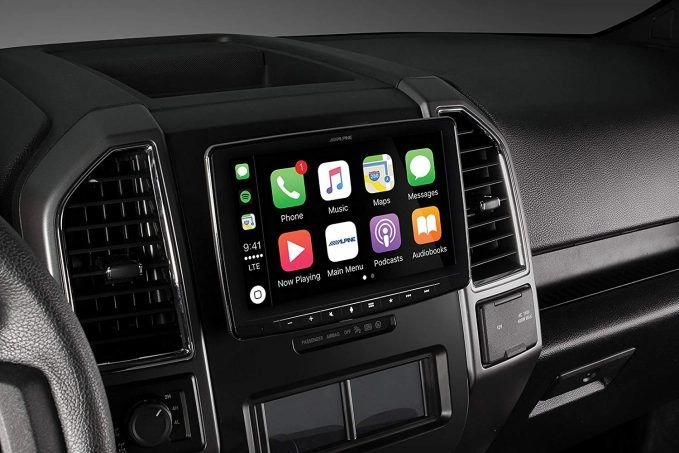
A floating-screen receiver can help when you want a larger display but the dashboard does not have room for a traditional large touchscreen chassis.
The stereo chassis fits into the dashboard, while the screen extends outward in front of it.
Kenwood currently sells receivers such as the DAX1050XR, which uses a 10.1-inch floating display and supports wired and wireless Apple CarPlay.
Alpine also offers floating-display receivers such as the Halo9 iLX-F509, which supports wired and wireless CarPlay.
This approach can be useful for adding Apple CarPlay to a car without it when the dashboard opening is smaller than the screen you want.
Fitment still needs careful checking.
A large screen should not block:
The screen position should also be comfortable to see and operate from the driver’s seat.
Some vehicles need more than a stereo and a simple wiring harness.
The factory radio may be connected to:
PAC makes vehicle-specific radio replacement interfaces designed to retain supported factory features when an aftermarket stereo is installed.
One current PAC Toyota radio replacement interface can retain a factory amplifier, steering wheel controls, navigation outputs, and a factory camera in compatible vehicles.
PAC also offers complete vehicle-specific stereo installation systems. Its Toyota Tacoma installation kit combines radio mounting parts, connection harnesses, steering wheel control retention, amplifier retention, and other factory connections for supported Tacoma models.
For some vehicles, this type of setup can make adding Apple CarPlay to a car without it feel much more connected to the original interior.
The parts depend on your exact year, make, model, trim, and factory audio package.
A portable CarPlay display is another path.
Instead of removing the factory radio, a separate screen mounts on or near the dashboard.
Portable displays such as the Carpuride C92 support wired and wireless CarPlay and can send audio to the existing vehicle system through supported connection methods.
This route can be useful when:
There are tradeoffs.
A portable display adds another device to the dashboard and requires its own power and audio connection method. It may not look as built-in as a replacement stereo.
It also may not connect with factory controls in the same way as a professionally installed replacement receiver.
For drivers focused on a clean factory-like appearance, a dash-mounted replacement stereo often makes more sense.
For others, a portable display may provide the phone functions they want without changing the original radio.
When adding Apple CarPlay to a car without it, decide whether wired or wireless use matters to you.
Apple says wired CarPlay uses a compatible USB connection. Wireless CarPlay uses the vehicle or stereo’s wireless capability.
You can see both connection methods in the Apple CarPlay setup instructions.
With wired CarPlay, the iPhone connects to the stereo through USB.
This gives you a direct connection and can charge the phone at the same time when the USB port supports charging.
Wireless CarPlay lets the phone connect without plugging it into the stereo each time.
Current receivers from Sony, Kenwood, and Alpine are available with wireless CarPlay.
If wireless CarPlay matters to you, mention it before choosing the stereo. Do not assume every CarPlay receiver supports both connection types.
Many aftermarket stereos need a dash kit to fit properly.
The kit provides mounting points and trim pieces that allow the new stereo to sit securely in the factory dashboard opening.
Metra manufactures vehicle-specific kits for this purpose.
Its Ford F-150 radio installation kit, for example, is made to install a standard double-DIN aftermarket radio while matching the shape and appearance of the original dash area.
Metra also lists some kits where modifications to the area behind the dashboard are needed for radio installation, such as its 95-3019B kit.
That shows why adding Apple CarPlay to a car without it needs vehicle-specific fitment research.
A touchscreen that fits one car may not fit another without different mounting hardware.
Many drivers want to keep their factory steering wheel buttons after adding CarPlay.
That may include:
Whether they can remain functional depends on the vehicle, stereo, and interface equipment.
PAC manufactures radio replacement interfaces that retain steering wheel controls in supported vehicles.
If your steering wheel buttons matter to you, tell the installer before the stereo is selected.
A compatible CarPlay radio plus the correct vehicle interface can often keep many factory controls working.
This is one area where professional planning can make adding Apple CarPlay to a car without it feel much more natural inside the vehicle.
Many vehicles have an amplifier installed elsewhere in the car.
This is common with premium factory audio packages.
The amplifier may be located:
Replacing the factory stereo does not always mean the amplifier needs to be removed.
Vehicle-specific interfaces can retain factory amplifiers in compatible applications.
PAC’s current radio replacement hardware includes products built around factory amplifier retention.
If your vehicle has a branded premium sound system or factory amplifier, mention it when discussing Apple CarPlay installation.
It can change both the equipment and wiring needed for the job.
In many supported vehicles, yes.
The factory camera may be able to connect to an aftermarket receiver through vehicle-specific interface equipment.
PAC lists factory camera retention on several current radio replacement products.
The camera system, vehicle, and receiver all need to be compatible.
If keeping your original backup camera matters, do not buy a stereo before checking what is required.
For adding Apple CarPlay to a car without it, retaining the existing camera can help keep a factory function you already use while changing the main display.
Your factory speakers do not necessarily need to be replaced when Apple CarPlay is added.
A compatible aftermarket stereo may work with the original speakers once the correct connections are made.
If the factory speakers already sound good enough for your needs, you can focus on the CarPlay upgrade.
If they sound weak, distorted, or worn, the stereo project can also be a good time to discuss car speaker installation.
Audio Vision also offers car amplifiers and car subwoofers for drivers who want to change the sound system along with the receiver.
There is no need to replace everything at once unless that matches your plans.
Yes, many aftermarket CarPlay receivers include one or more camera inputs.
If your vehicle does not already have a backup camera, the stereo replacement can be a good time to add one.
A camera installation can involve:
Audio Vision offers car backup camera installation along with Apple CarPlay service.
Tell the shop from the beginning if you want both features. That allows the receiver choice to account for the camera connection.
The answer depends on the dashboard, vehicle wiring, and how you want the finished system to look.
You have a suitable radio opening and want CarPlay built into the main audio system.
You want a larger screen and your dashboard layout can accommodate a display extending beyond the radio opening.
Your factory radio is tied to steering wheel controls, amplifiers, cameras, or other vehicle features you want to retain.
You prefer not to remove the factory radio or want a less permanent approach.
For many drivers, the best way to decide is to have the vehicle checked before buying parts.
A shop can inspect the dashboard, factory equipment, and radio connections, then explain which options make sense.
The cost of adding Apple CarPlay to a car without it changes based on the vehicle and installation path.
Audio Vision does not need to rely on one generic online price because one vehicle may need far more parts than another.
Factors can include:
A standard receiver installation in an older vehicle may be very different from replacing a deeply connected factory infotainment system.
Call Audio Vision at (909) 983-4500 or use the Audio Vision contact page for information based on your vehicle.
Audio Vision provides professional help with adding Apple CarPlay to a car without it at 5521 Holt Blvd, Montclair, CA 91763.
Drivers also visit from nearby Ontario, CA and Rancho Cucamonga, CA for stereo, multimedia, camera, and car audio work.
An older sedan may only need a new touchscreen, dash kit, and wiring connections.
A truck may work well with a floating-screen receiver.
A newer vehicle with a factory amplifier and camera may need vehicle-specific interface equipment.
A classic daily driver may only need a simple CarPlay receiver and new speakers.
Each vehicle calls for a different plan.
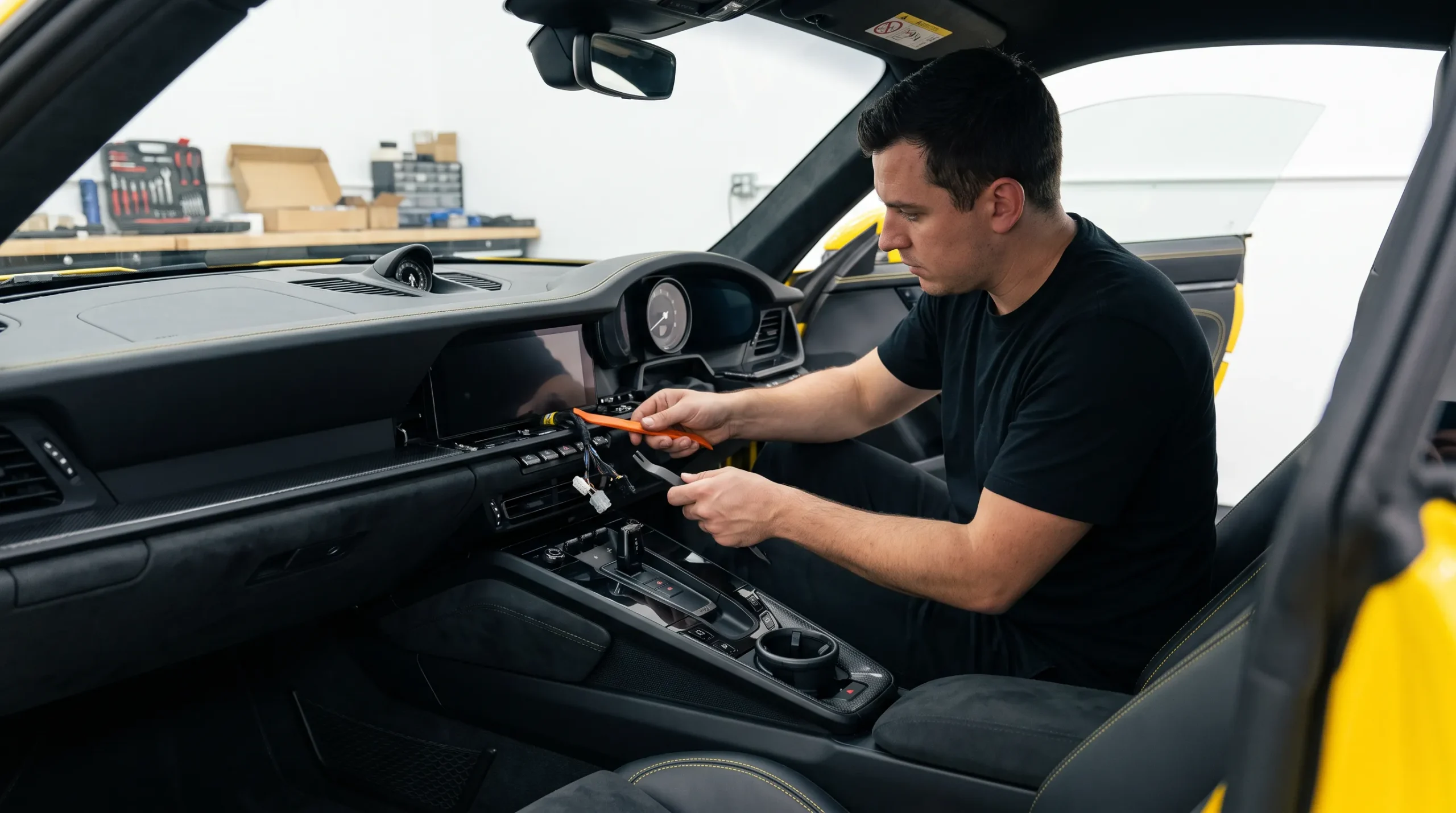
Audio Vision has served the Inland Empire since 2006 and works with Apple CarPlay, car audio, car speakers, amplifiers, subwoofers, cameras, and other mobile electronics.
If you want to start adding Apple CarPlay to a car without it, gather your vehicle information before choosing a receiver.
Have these details ready:
Then decide what you want from the finished setup.
Do you want a standard touchscreen?
Would you prefer a larger floating screen?
Do you want to keep the original camera and steering wheel controls?
Do you want a backup camera added?
Would you like new speakers at the same time?
Audio Vision
5521 Holt Blvd
Montclair, CA 91763
Phone: (909) 983-4500
Hours: Monday through Sunday, 9 a.m. to 7 p.m.
Call (909) 983-4500 or contact Audio Vision online to discuss Apple CarPlay options for your vehicle and schedule an appointment.
Yes. Many cars can use an aftermarket CarPlay stereo, floating-screen receiver, vehicle-specific radio replacement setup, or portable CarPlay display. The right option depends on your vehicle and dashboard.
Not always. A portable CarPlay display can add CarPlay without removing the factory radio. Some vehicle-specific setups can also retain much of the original equipment while changing how the audio system works.
Yes, when a compatible wireless CarPlay receiver is installed. Current models from Sony, Kenwood, and Alpine support wireless CarPlay in compatible installations.
Many vehicles can retain supported steering wheel controls with the proper interface. Compatibility depends on the vehicle and the replacement receiver.
Many supported vehicles can retain a factory backup camera through compatible radio replacement hardware. Your vehicle, interface, camera, and receiver need to be checked together.
Yes. Audio Vision can pair Apple CarPlay installation with car speakers or a backup camera system when those upgrades fit your plans.
Audio Vision provides Apple CarPlay installation at 5521 Holt Blvd, Montclair, CA 91763. Call (909) 983-4500 or use the Audio Vision contact page to discuss the options for your vehicle.
Looking for the best car audio installation in Montclair, CA? Discover expert tips, top brands, and why Audio Vision is the go-to destination for high-quality car sound systems.
Product Brand: Audio Vision
Product Currency: USD
Product Price: 299
Product In-Stock: InStock

Acima, a flexible lease-to-own option that helps you get the car upgrades you love—without needing perfect credit. Whether you’re looking for car audio, video, security systems, window tint, wheels, auto lighting, or accessories, Acima makes it easy with no credit needed and convenient payment options. Get what you want today and pay over time, hassle-free!

Snap Finance is here to help you get the car audio, video, security, window tint, wheels, lighting, and accessories you need today. With Snap Finance, you can shop now and pay later, thanks to their flexible payment plans that consider more than just your credit score. Applying is fast and easy, and you’ll receive a decision in seconds. Take advantage of stress-free payment options that fit your payday schedule, so you can upgrade your ride without the wait!
Explore the many services we offer by clicking the boxes below


|
|
|
|
|
|
|
|
|
|
|
|
|
|
|
|
Adding Apple CarPlay to a Car Without It: Your Options Explained
|
Adding Apple CarPlay to a Car Without It: Your Options Explained
|
Adding Apple CarPlay to a Car Without It: Your Options Explained
|
Adding Apple CarPlay to a Car Without It: Your Options Explained
|
|
|
|
|
|
|
|
|
|
|
|
|
|
|
|
|
|
|
|
|
|
|
|
|
|
|